I have Vaultwarden running on my Start9. Updated version.
I am connecting via Tor.
The interface address works from the Tor browser.
I have orbot installed, and Bitwarden is selected as app to use Tor.
Orbot is connected.
I tried first with the .onion interface adress with only http://, did not fin server.
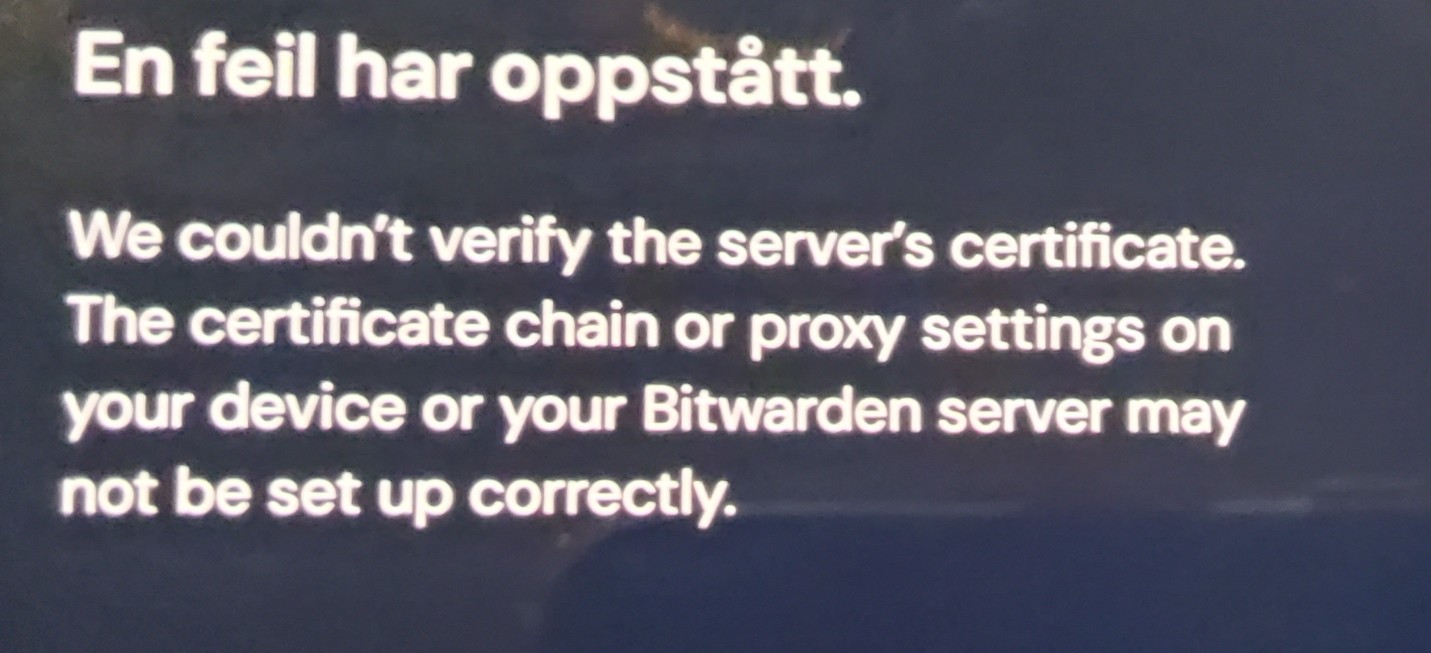
Tried than with the https:// and I get an error message Saying:
This has worked on my phone before, but stop syncing some time ago.
What do I do to get my Android Phone to work with my Vaultwarden Vault?
Is there a better way?
I have a Root CA from Start9 System, I use to connect over LAN, on my local network, but I do not think I have had to install any Certificate in Bitwarden before.
Adding to this thread since I am having what seems like the same issue and haven’t found a solution. My android Bitwarden app used to connect to vaultwarden running on my start9 server via tor. At some point it stopped being able to sync. I’ve tried restarting the service, reinstalling the client app, unadded then re-added the app on my orbot.
When I try logging in on the client app I get the following error message:
Stacktrace:
com.bitwarden.core.data.repository.error.MissingPropertyException: Missing the required MasterPasswordUnlock data property
I am able to log in on the same device through firefox beta over Tor so I believe my tor setup is correct and I’m entering the correct password.
just now, happened to me, after upgrade Bitwarden App on
Android: Pixel 8 ver 2025.12.1
Bitwarden Ver. info: v. 2025.12.1, Jan 13 update
Vaultwarden: 1.34.3
StartOS: 0.3.5-1
Tried: uninstall/reinstall App, restart VaultWarden server; Result: no joy, same symptoms.
com.bitwarden.core.data.repository.error.MissingPropertyException: Missing the required MasterPasswordUnlock data property
Works fine via browser (phew! -not hosed, & I am not S.O.L.).
I have the same issue, Bitwarden worked fine via LAN till the update 2026.4.1, which keeps crashing on startup. With any older version I installed I can’t connect to Vaultwarden.
Stacktrace:
java.net.UnknownHostException: Unable to resolve host “xxxxxx.local”: No address associated with hostname
Update: now it worked without changing anything.. Weird but welcome
I had the same issue this week with connecting the Bitwarden Firefox extension to the .local vault address. I fought with it for a bit and switched the public StartTunnel address instead. Just wanted to add that in. If I find some time I might try to recreate and get some logs, etc. Latest Bitwarden extension, Vaultwarden and StartOS beta 9.
“ An error has ocurred
We couldn’t verify the server’s certificate. The certificate chain or proxy settings on your device or your Bitwarden server may not be set up correctly ”
I’ve tried restarting the service, reinstalling the client app, unadded then re-added the app on my orbot. I am able to log in on the same device through Tor Browser
Any help is greatly appreciated!
update 8hr later I was able to resolve it by updating th CA certificate
I’d suggest removing the trusted Root CA and trusting it again. I don’t recall my reasoning, but there was something similar was was fixing post-upgrade to 040 and we did this as part of that.