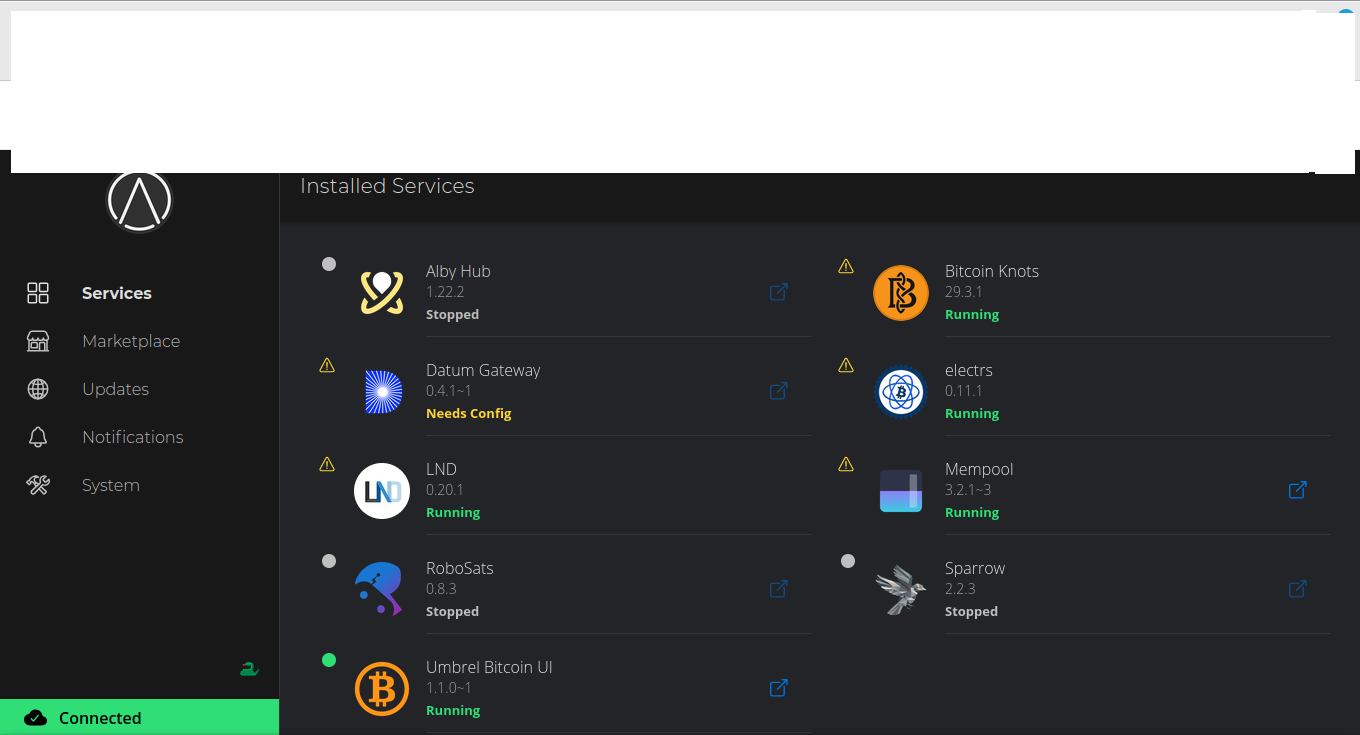
It SHOULD auto start by itself. Is it not? If you look at the homepage of your start9 server on the left hand side you should see “System” click that…when the view on the right changes scroll to the very bottom and you will see a logout, restart, shutdown & system rebuild. Of course I never login to my server right at the laptop, I login using my other computers web browser so hopefully you’re doing that.
@Aussie What version of StartOS are you on? Looks like @rames369 is on 0351 which the instructions shared are correct for.
If you start Bitcoin Knots and have it running, then restart your server, your Bitcoin Knots should be starting up by itself. Which would be the same case after a power outage. Are you saying this is not happening?
Thanks for that, can you reply to the 2nd question I asked:
`If you start Bitcoin Knots and have it running, then restart your server, your Bitcoin Knots should be starting up by itself. Which would be the same case after a power outage. Are you saying this is not happening?`
I think you’re really asking how to set the mini PC to come on automatically after a power outage. This is commonly done through your BIOS. Attach a keyboard and mouse to your minipc temporarily, and when it first boots, it should mention which key is required to gain entry into the BIOS – usually DEL, ESC, F2, F10, F12 etc. If it’s not clear which one, you can just try them all, or you can probably ask an LLM which key it is if you have the minipc model number or if the motherboard has a model number printed on it.
Once you’re in the BIOS, it’s usually a setting on one of the first few tabs related to power management – like “After power outage:” and you’d set it to something like “Always On”.