Following along with the install video from the docs, at 4:40 she plugs in the config and gets a lan & wan ip. when i copy/paste or upload the config from start tunnel it says error for wan ip and the logs say failed to determine wan ip - operation timed out. it’s clearly listed in the config the same as in the video. any help would be much appreciated.

That error is where the WAN IP should be, which would be the WAN IP of the VPS. That WAN IP is clearly not reachable, isn’t really a WAN IP or there’s some related issue going on. That issue is on the VPS side.
thanks for that info. any guidance on where/what to look for? should i try to reinstall Start Tunnel on the vps?
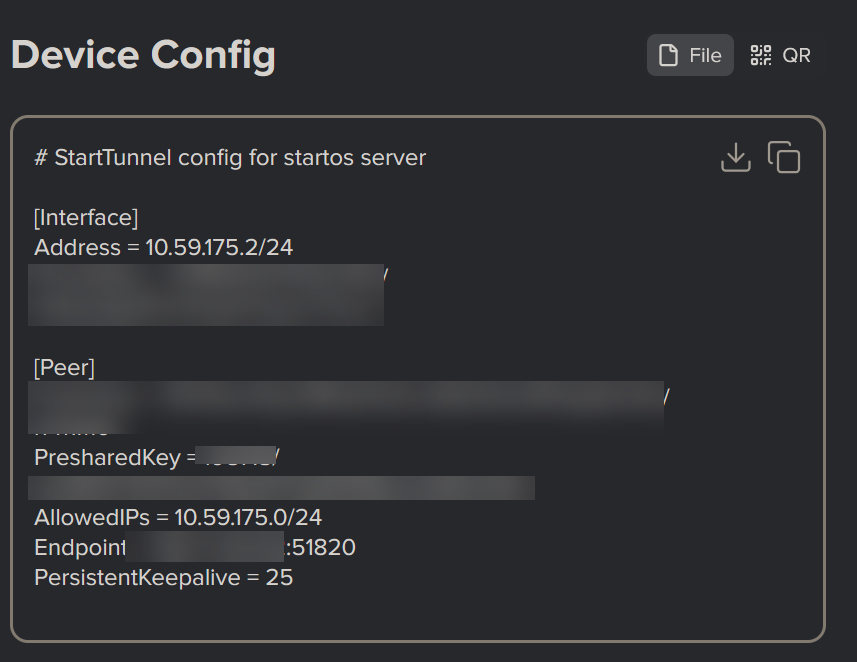
Yeah, without seeing the WAN IP, it’s hard to say if it’s something obvious or specific to you.
I don’t think we have specific set of “common issues” yet, and we might never since its all so highly specific to particular VPS providers. One thing I’ve seen a couple of times is certain providers not actually making a WAN IP available on the box itself, in turn making the WAN IP visible in the config actually ba a LAN IP for their network instead.
the provider is ionos, if that means anything.
You might have skipped over the part in the guide about IONOS. If you follow the guide, it’ll work.

If you’re saying IONOS have completely changed their firewall inner workings since we made that video last month, I wouldn’t be surprised from what I’ve seen so far.
Do IONOS not offer support on how to use their product?
No, not in any meaningful way. I got someone on the phone, but they can only provide generic support for the vps, but any configuration on the server is not supported. Is there anyone from start9 that i can pay to help me? I’ve tried everything in my limited understanding and I just want to get it working