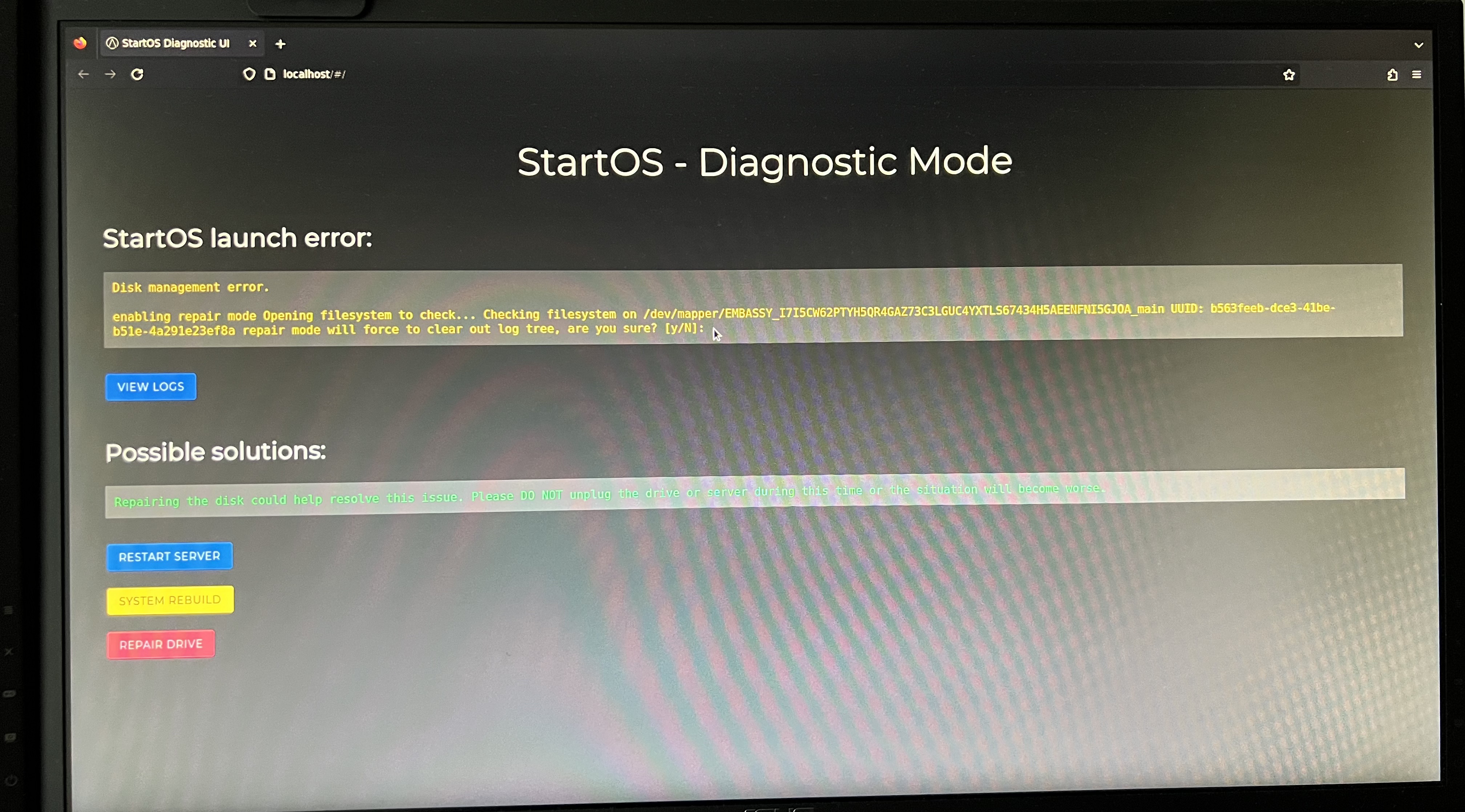
I rebooted my ServerOne a few times after encountering a “Gateway timeout” issue and I am now stuck with the following “Disk management error”.
I read the below post with a similar problem to mine but not sure if the solution applies to me.
/Jim
I rebooted my ServerOne a few times after encountering a “Gateway timeout” issue and I am now stuck with the following “Disk management error”.
I read the below post with a similar problem to mine but not sure if the solution applies to me.
/Jim
You may need to install v0.3.5.2 – startos-0.3.5.2-de5ca3b-disk_repair_fix~dev_x86_64-nonfree.iso - Start9
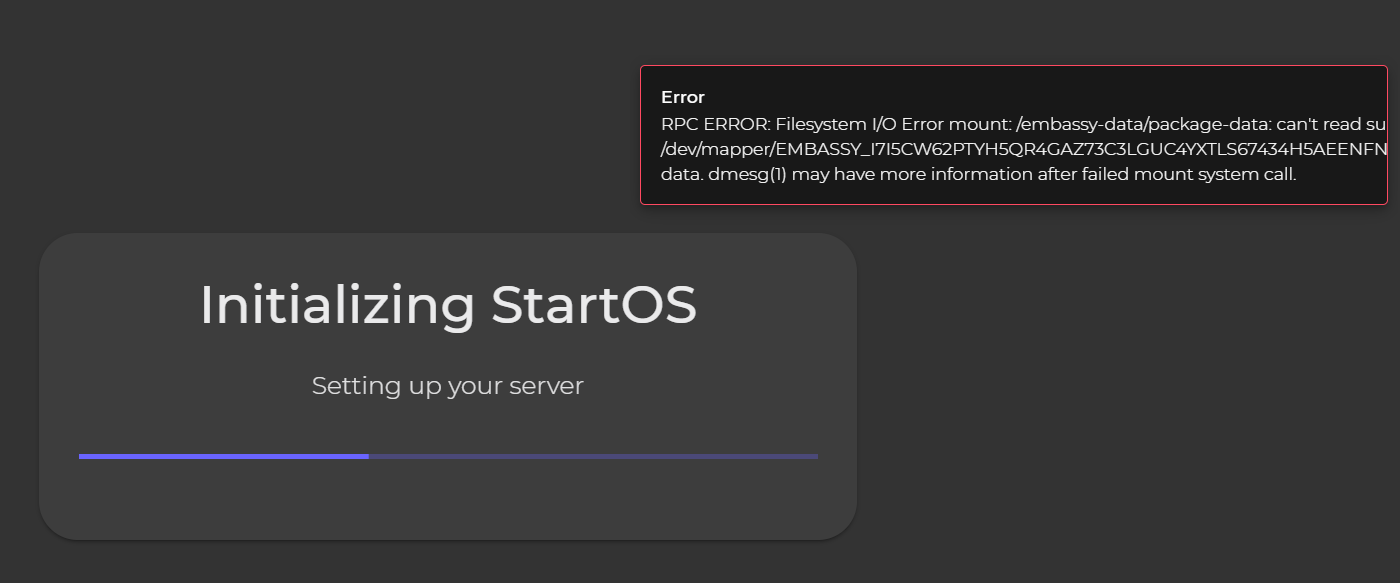
When attempting to perform the disk repair fix with the provided iso, I am now stuck at “Initializing StartOS” with a pop-up RPC ERROR.
How did you reboot the Server One “a few times”? I’m assuming pulling the power, perhaps during startup. This can wreck havoc on the drive, the data on it and the partitions. You might now need to restore from backup.
Remember, Gateway Timeout means your browser can’t find the server, and logically there’s only 1/3rd of a change between your server, network and client that this has anything to do with your server, powering off the server is going to be the wrong choice 2/3rds of the time.
At first reboot was done via the power button but after reading a post mentioning hard reboot, I tried reboot by pulling the power cable. Nevertheless, I tried to restore from backup but it was not accepting the drive encryption password I was providing (master password) so now I guess I will have no choice but to start from scratch.
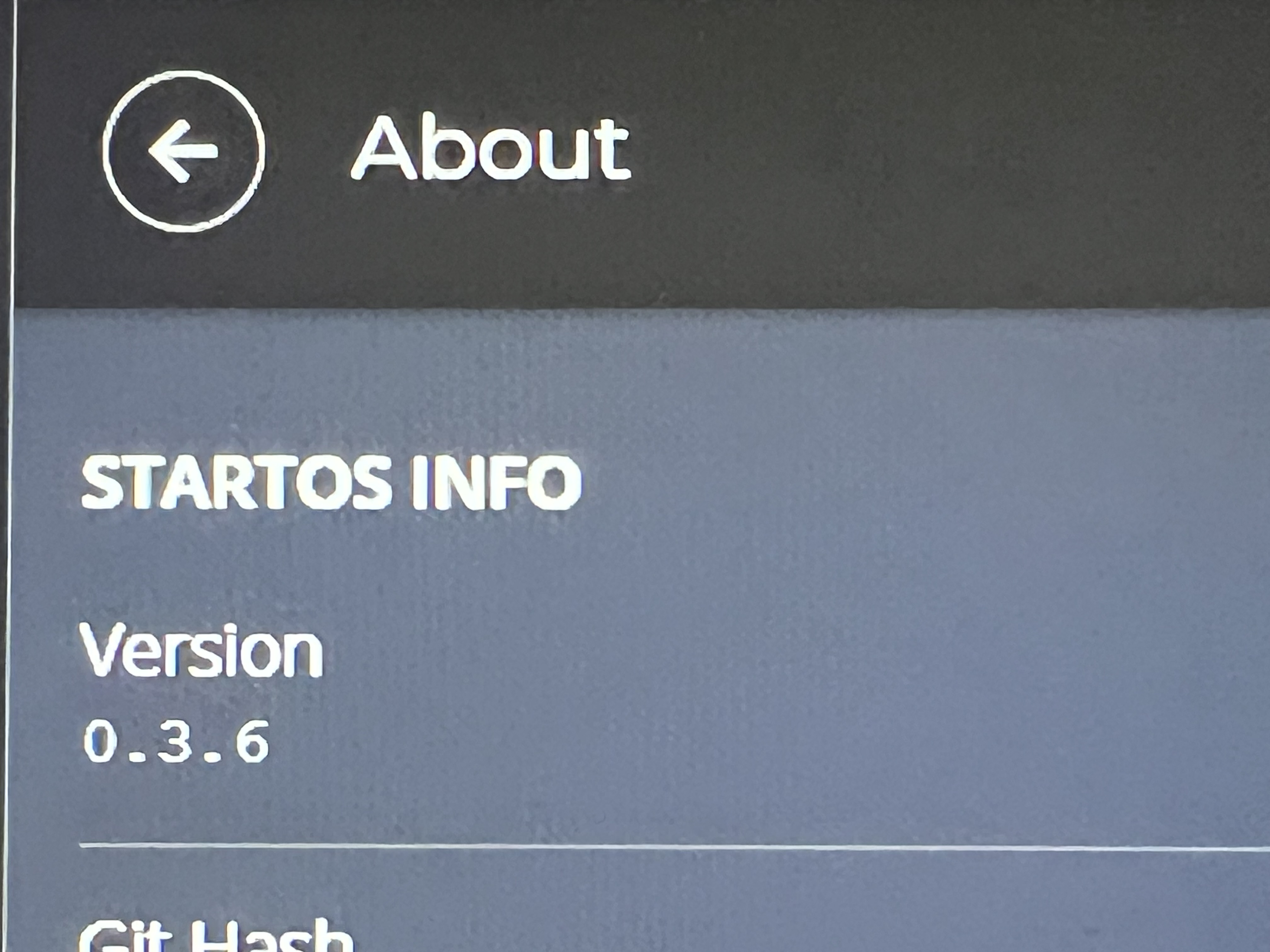
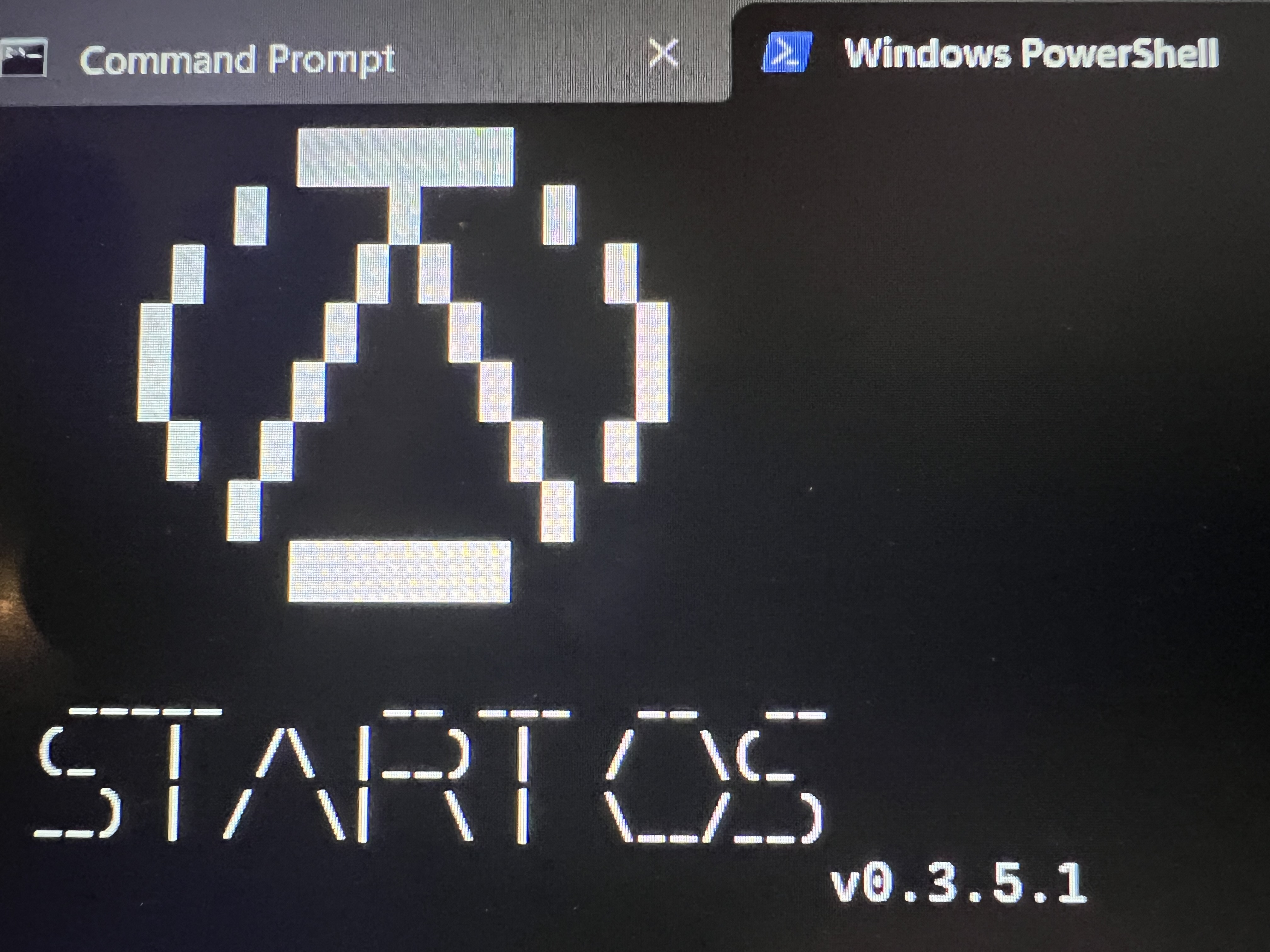
After failing to repair, I decided to start clean with iso version 0.3.5.1. However, I noticed a discrepancy in the version displayed in the GUI (0.3.5.6) versus the CLI (0.3.5.1).
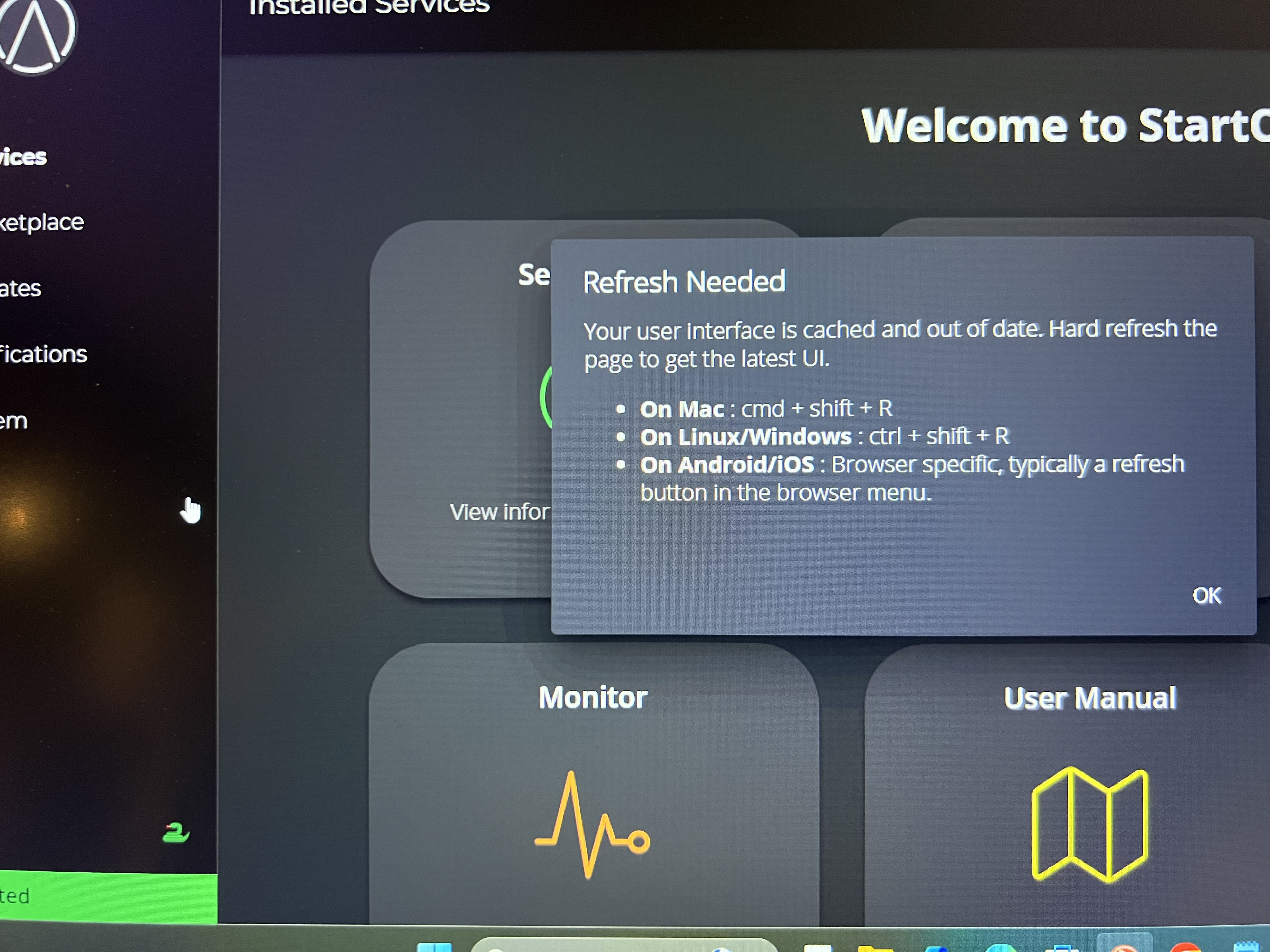
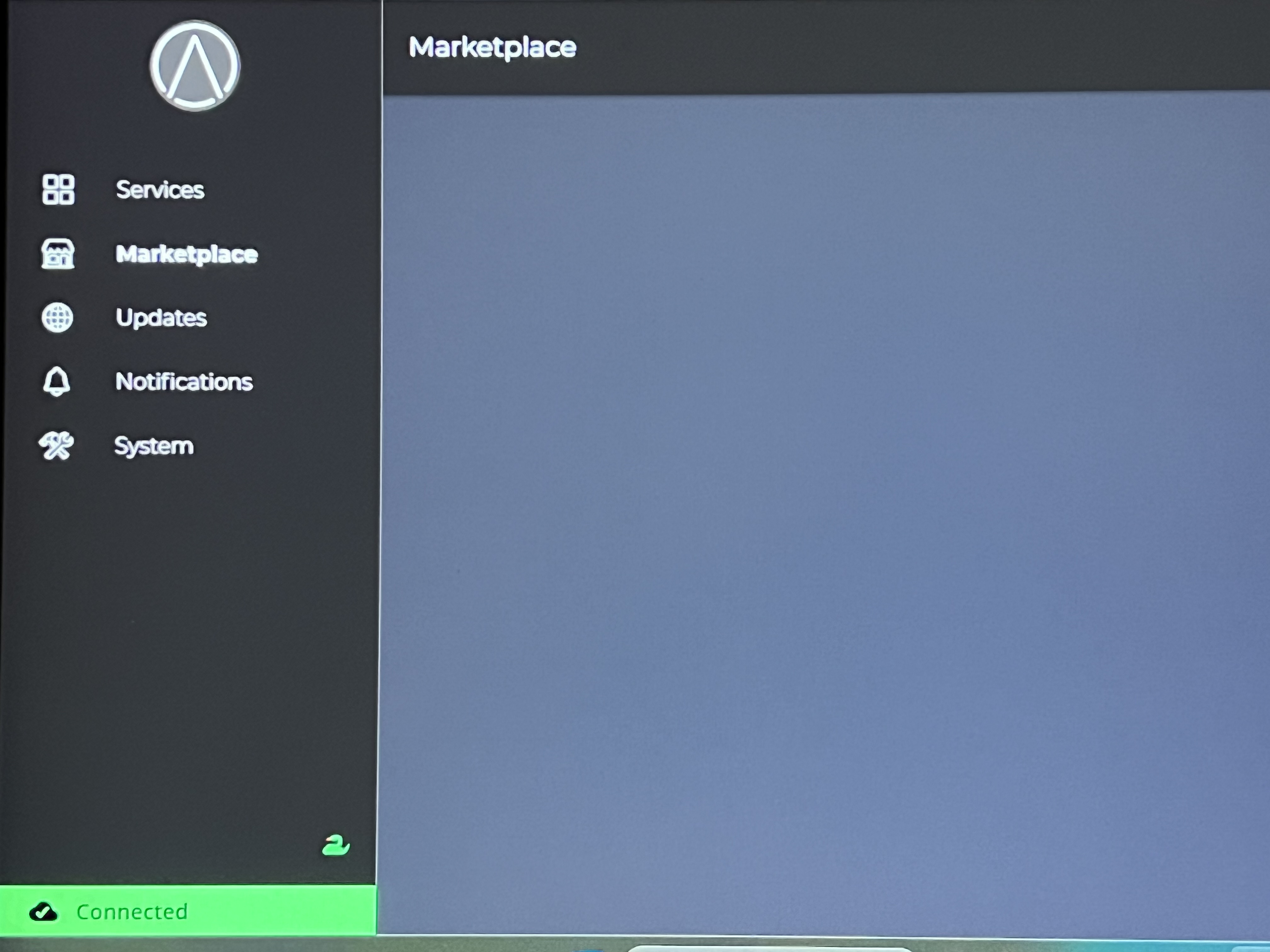
Also seeing this message even after hard refreshing the browser and marketplace not properly displaying content/icons.
The only way a backup can have a different password than the one you are typing is if your OS had a different password when you made that backup. There’s no code in StartOS which lets it set up its own backup password or allows you to do so – its permanently locked to your OS password.
As for starting fresh, which is fine, if doing this I don’t know why you wouldn’t instead run the latest OS, which is StartOS v040. Definitely don’t start fresh for the long term with dev builds.
You’re almost not following the guides, possibly reusing the same ISO provided above (literally a rough dev build that no-one should be using for their production device) or there’s some confusion going on with files in a download folder.
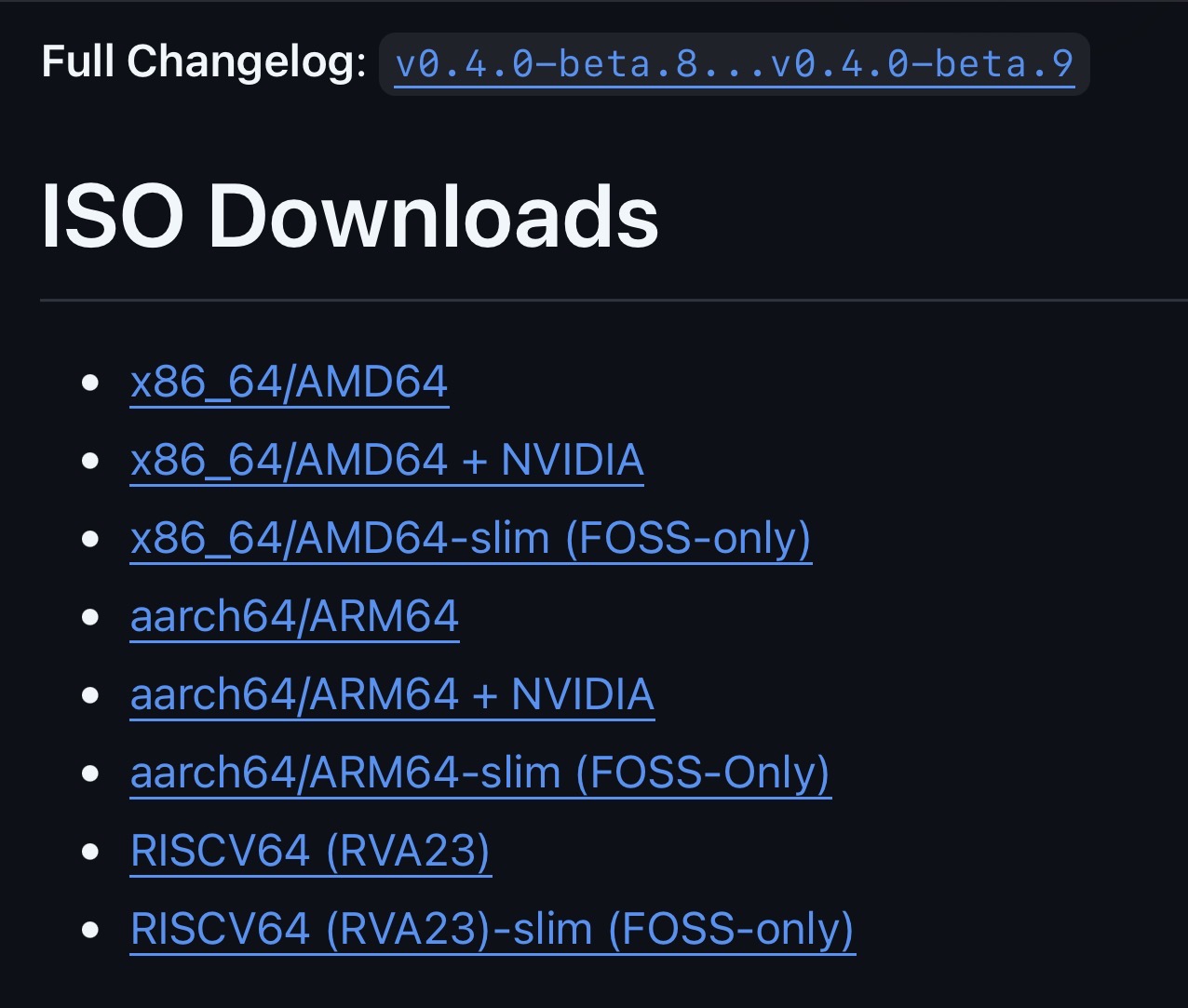
My understanding is that version 040 is still beta. When checking the GitHub releases page, I see that the latest is beta 9.
I have a Start9 ServerOne device and according to the Start9 documentation, I would need the following iso if doing a factory reset. Correct?
startos-0.3.5.1-39de098_x86_64-nonfree.iso
If doing a factory reset with version 040, it is not clear which iso should be used.
You’re right that 0.4.0 is still in beta — beta.9 is the latest.
For your Server One (x86_64):
0.3.5.1 reset: yes, the x86_64-nonfree ISO you linked is correct. Guide: Start9 | Start Fresh
0.4.0 reset: use the x86_64 nonfree build → startos-0.4.0-beta.9-d1f153d_x86_64-nonfree.iso. On the download page this is the one simply labeled “x86_64/AMD64” (the -nvidia build is only for an NVIDIA GPU; the plain FOSS-only image is listed as “x86_64/AMD64-slim”). Guide: Installing StartOS - StartOS
Either version is fine for a clean start — just don’t reuse that 0.3.5.2 disk_repair_fix~dev ISO for a permanent install; that’s almost certainly why the GUI showed 0.3.5.6 vs 0.3.5.1 in the CLI and the marketplace icons wouldn’t load.
Path forward: flash an official release ISO (nonfree), then hard-refresh/clear browser cache.
One important note if you go to 0.4.0: backups made on 0.3.5.1 are not compatible with 0.4.0. After updating you’ll need to update all your services and create a fresh backup.
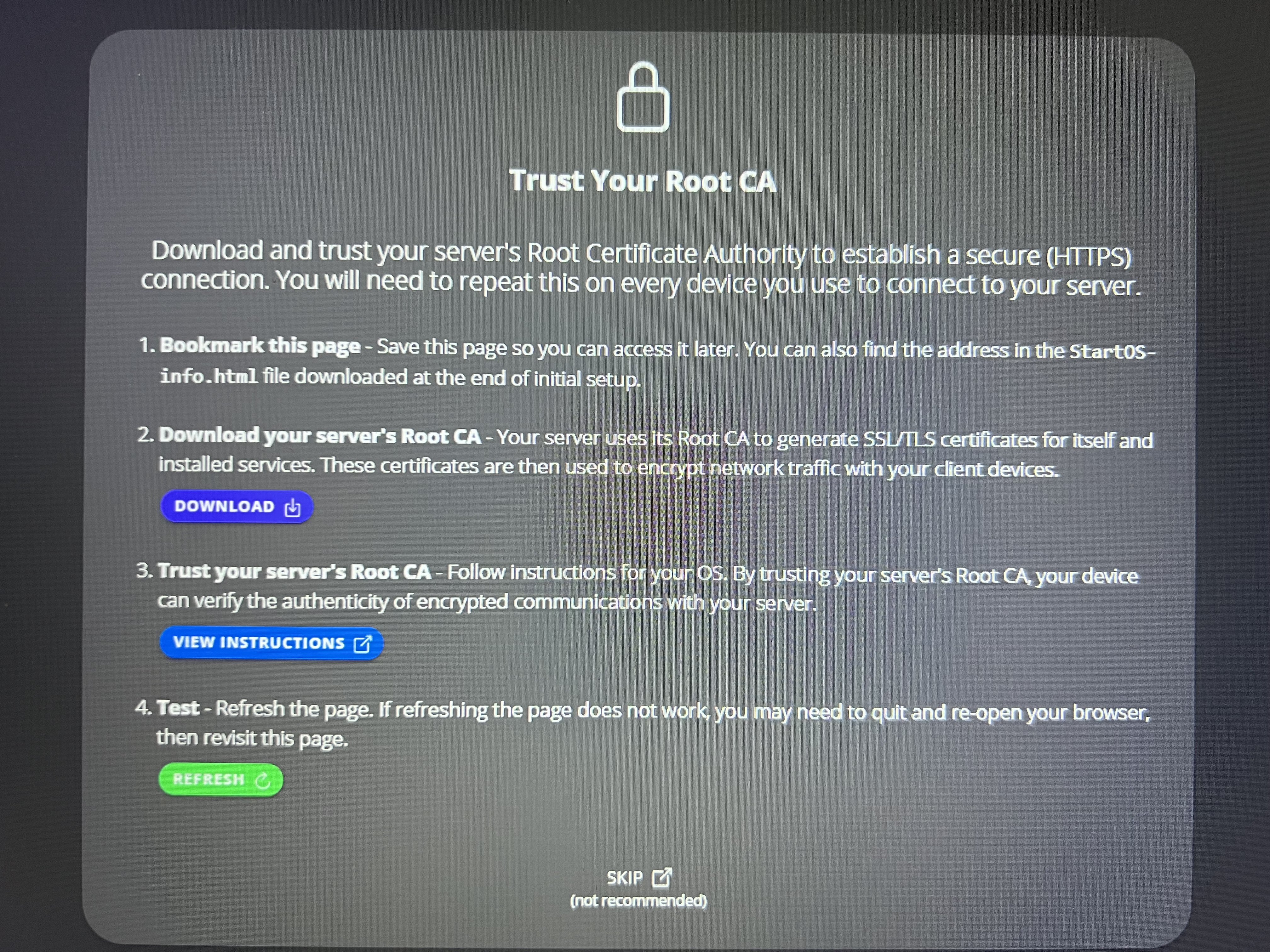
When I boot to a USB flash drive with the 0.3.5.1 non-free iso and try accessing http://start.local I initially get no page found…but when something displays on a my usual browser it is the page with previous installation certificate. This is the installation with the mixed up versions that I am trying to fix with a factory reset.
I was expecting to get a screen with an option for factory reset. Can’t understand why I’m not getting this. Tried different USB drives and formatting them differently on my Windows 11 pc…hard refreshing, restarting browsers, rebooting pc is not helping either.
Getting very frustrated now. Don’t know how to get this thing working again.
I think your USB drives are fine — the issue is that your server isn’t booting from the USB at all. The giveaway is that the page you eventually see shows your previous installation’s certificate. A fresh installer USB wouldn’t know anything about your old install, so the server is skipping the USB and booting straight into your existing StartOS on the internal drive. That’s why you never reach the re-install screen, and why reformatting USBs hasn’t changed anything.
Since you’re on a Server One, here’s how to force it to boot the USB (you’ll need a monitor and keyboard attached):
Insert the USB, power on, and repeatedly tap Delete to enter the BIOS.
Use Boot Override to select the USB directly — or move the USB to the top of the UEFI boot order under the Boot section.
If the USB doesn’t show up, set Secure Boot to Disabled (enable Legacy/CSM if present).
Save and exit (F4 or F10).
Two things that are the usual silent culprits:
The ISO must be burned with balenaEtcher (or similar), not just formatted and copied onto in Windows — otherwise the stick is never bootable.
If the USB still doesn’t appear in the boot menu, try a different port and a different stick.
When it boots correctly you’ll land on the installer (the start.local page without your old certificate). From there choose Re-Install StartOS to clean up the mixed-up versions. Let me know once you reach that screen and I’ll walk you through the rest.
Thanks h0mer. After changing the boot order to prioritize the USB, the sever booted properly and I was able to reinstall 0.3.5.1. Now both the StartOS GUI and CLI are displaying the same version.
Much appreciated,
Jim