Thanks for the recommendations Stuart
I tried both your suggestions with the same result / error message as before.
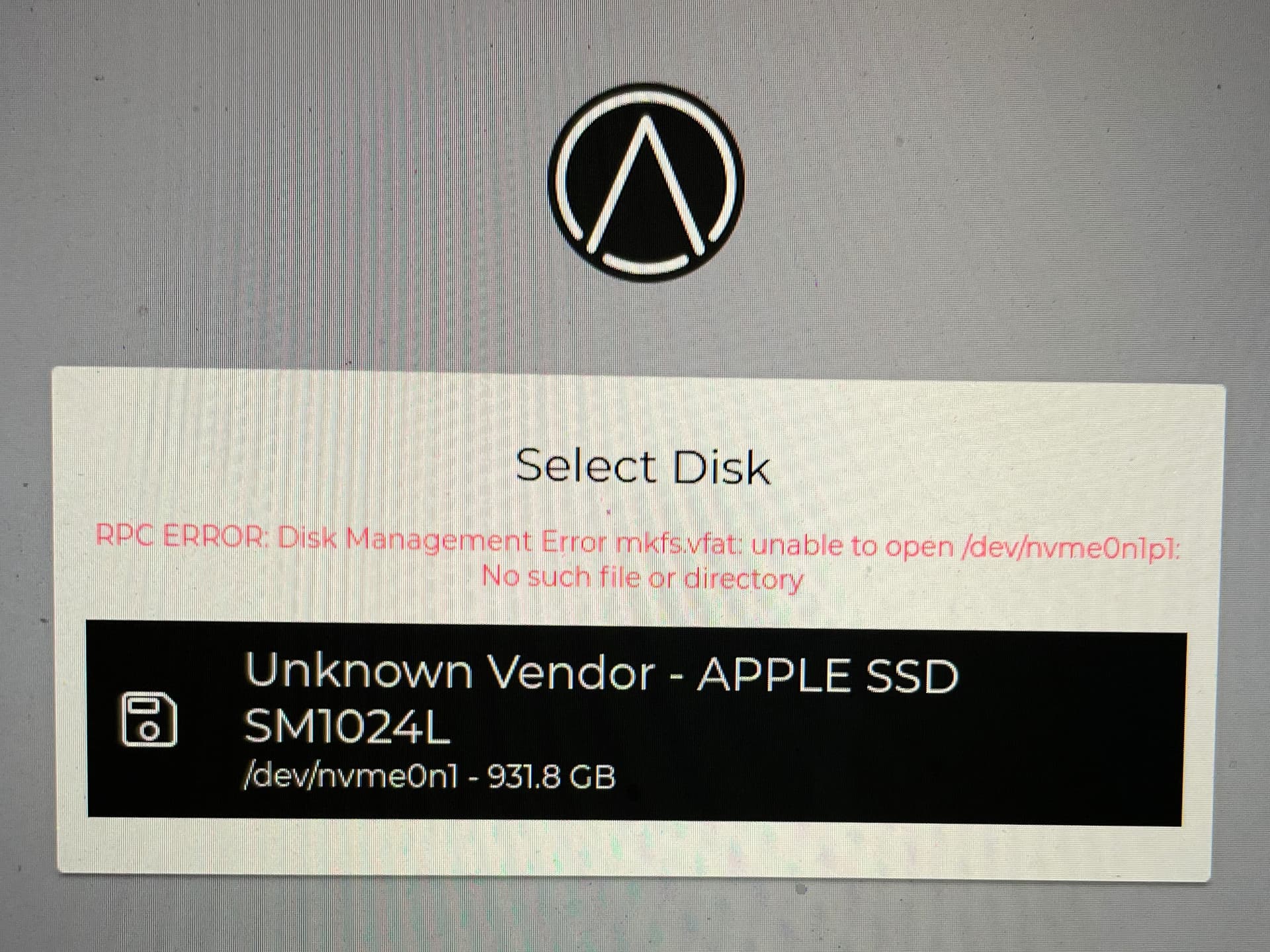
RPC ERROR: Disk Management error mkfsvfat: unable to open /dev/nvme0n1p1
I re-installed the Mac OS before trying each option
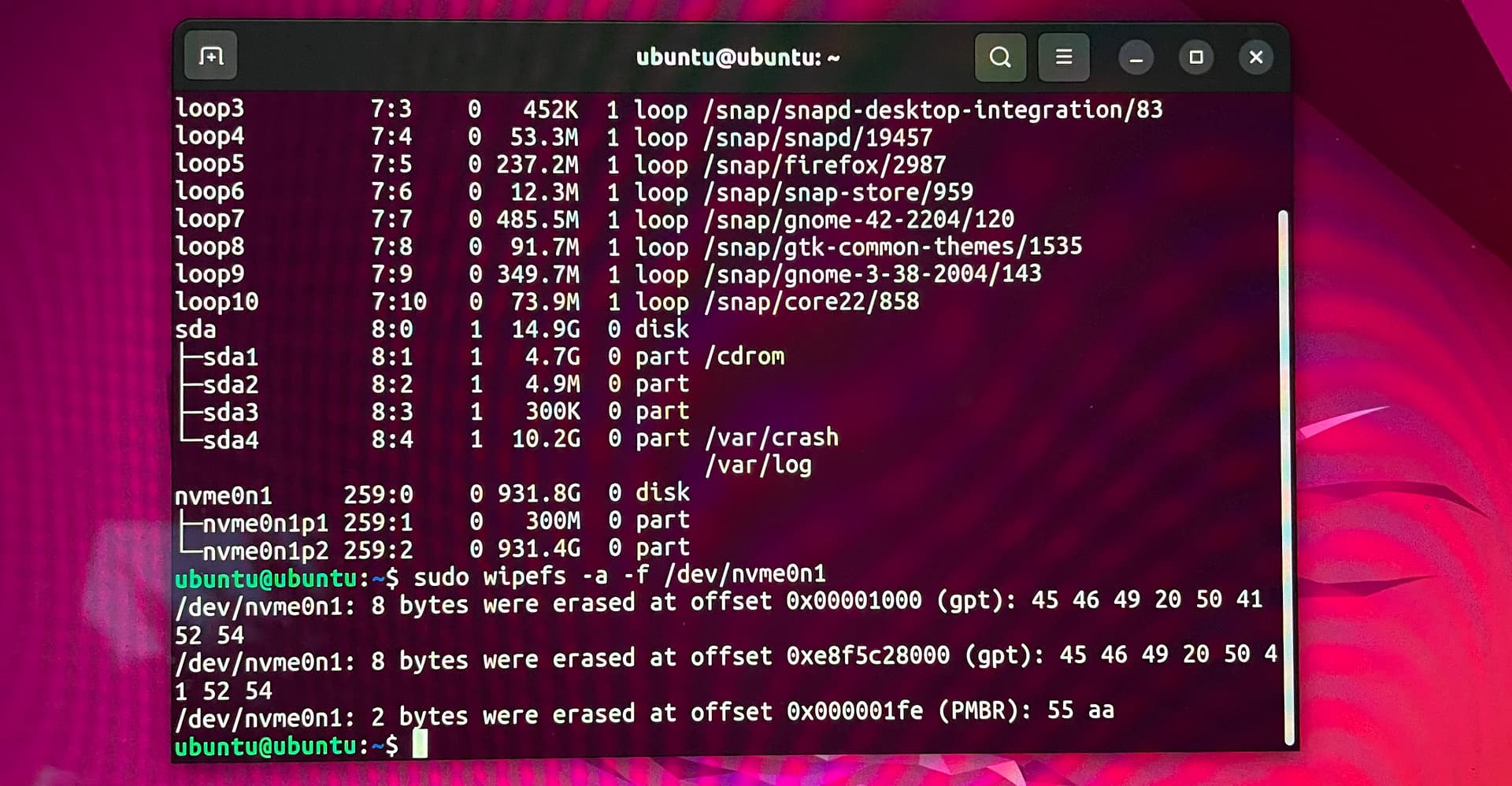
On option 2, I used UBUNTU in the try mode versus install and ran the commands as recommended.
I did this twice because I noticed that the disk name to select for install is named /dev/nvme0n1 and the error message was unable to open /dev/nvme0n1p1.
I sudo wipe’d /dev/nvme0n1 and got same error.
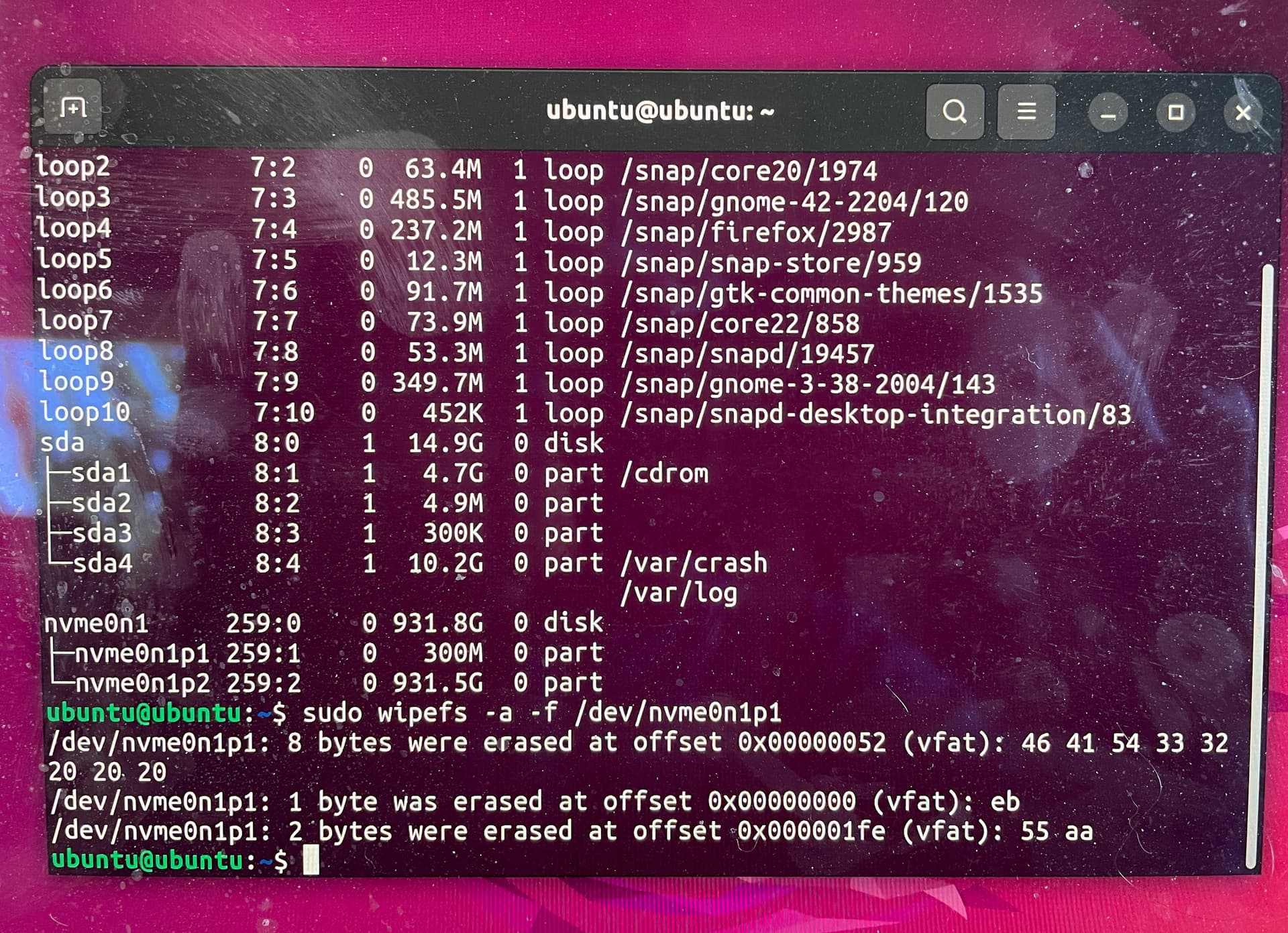
Reinstalled MacOS and went through it all and then did the sudo wipe on the “sub” /dev/nvme0n1p1
My MacBook Pro is on the list of hardware that has worked for to StartOS.
Any other thoughts?