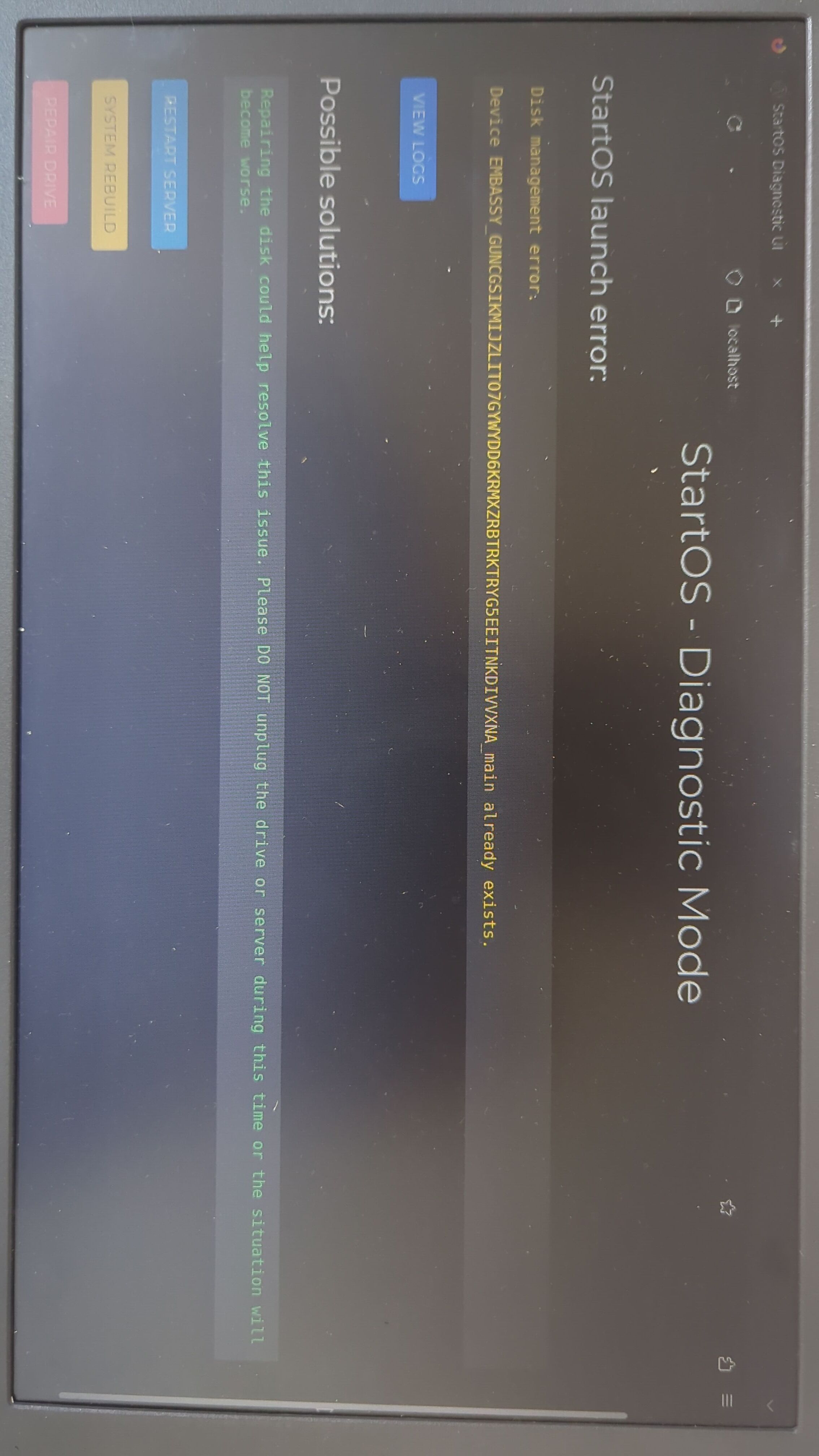
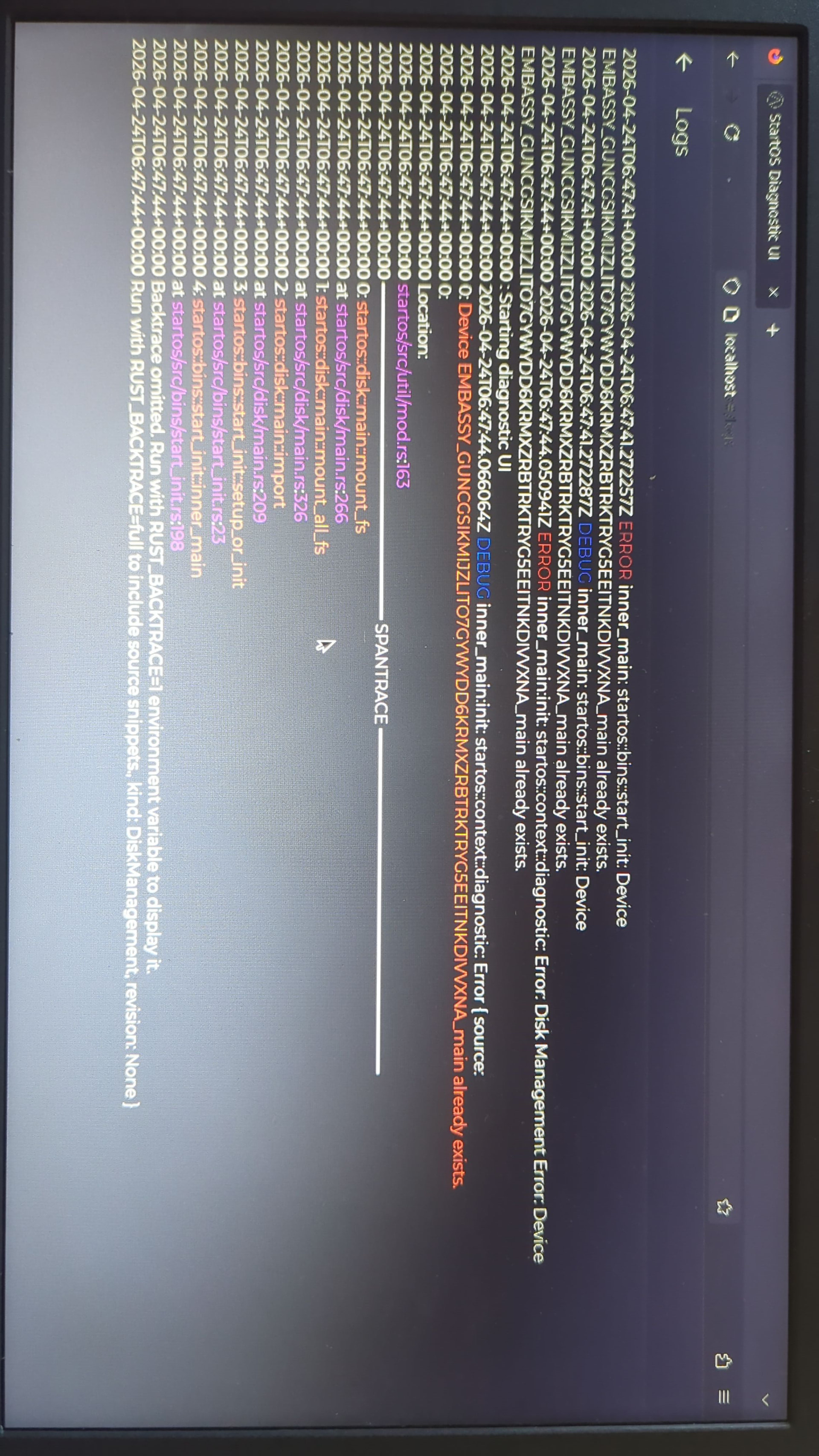
I assume your device lost power unexpectedly or you shut it down incorrectly?
First step would be a reinstall of StartOS, selecting to preserve existing data.
I’m gonna give this a go. Not much else I can do I suppose. Thanks mate
@StuPleb Can I install 0.4.0 latest beta and still recover my data from previous install (0.3.5.1)?
I would strongly recommend against trying. 0.4.0 is a very different OS. There is a lot going on there during the transfer/upgrade. You should make sure your 0.3.5.1 system is up to date, and working well, before beginning the upgrade process. Any variation from the prescribed steps in the documentation may result in data loss.
You’ll find it’s a lot easier than you might expect, to reinstall 0.3.5.1. Just make sure to choose the “use existing data” recovery option.
I am going to reinstall 3.5.1 from the thumb drive that I used when I first installed StartOS. The thumb drives name is ‘StartOS v0.3.5.1 amd64’ but I’m using Intel CPU is this fine? Also I did the checksum or whatever of the OS on that thumb drive and I got a fail: “./boot/grub/efi.img: FAILED”.
Do you recommend I don’t use this copy of the OS and reflash with a new download?
It’s probably not a problem. AMD64 is usually referring to the architecture, not the brand. But if there is any doubt about your boot source, it may be best to just do it again.
You’ll want the image file named startos-0.3.5.1-39de098_x86_64-nonfree.iso
Have a new copy of the OS with good checksum and I’m ready to install. After install will it be like how it was. Just don’t want to lost any data or settings. 
That’s the goal. I don’t have enough information to predict the end result with certainty. This is best rout, in an attempt to obtain that result.
Fingers crossed.
Hey @Rexter , would you expect the ‘Initializing StartOS. Setting up your server’ screen to take a long time in my circumstance ^. It has been on this screen for 5 hours. The LED on side of laptop to show disc use is not flashing, indicating no use.
No. You’re likely experiencing hardware failure. The drive would be your prime suspect. I hope you have a recent backup of your services. But before you restore from backup, the next step would be to replace the drive, install StartOS 0.3.5.1 using the “transfer” recovery option. You’ll need an enclosure, or some other means of connecting the old drive to the server.
(post deleted by author)