Hello there. I would love to update my Start9 Pure to the new OS 0.4.0, but I am somewhat intimidated by the fact that it is not exactly straight forward. For example, I have generated an SSH key. But when I am trying to connect to the server from Powershell in Windows, the server doesn´t seem to accept the password (my master password for the server). I am fearful that I will have a hard time accessing the server again if something should go wrong after flashing the OS.
I was attempting to follow this guide by Satashi, but I could neither access the server using the Master Password nor using the ssh key. https://www.youtube.com/watch?v=qi5H_JzcRVk
As long as I can´t access the server this way, I do not feel confident going forward and flashing the server with the new OS.
Does anyone here have experience with the problem I described above? I use the password successfully every time I create a backup. So I know that it is working for this, at least. Any input would be welcome.
You shouldn’t be following an v040 video about v040 to set up SSH on v0351. I can see why you might get led astray though, since our v040 guides link to everything v040. Worse, you’re using Windows, which can be frustrating. The guide you need is here: Start9 | Using SSH
You can’t use your StartOS password for SSH in v0351.
As a Start9 customer (you say you own a Pure) you should sign up to the support included with the purchase of your server: start9.me
Thank you very much for your reply. I was able to connect after all with the SSH- key only after I had closed the explorer tab on the browser. I found out by chance.
So I then backed up everything on the server after I had stopped all programs (Bitcoin, LND, Electrs. etc. and flashed an USB stick with the x86_64/AMD64 0.4.0 OS.
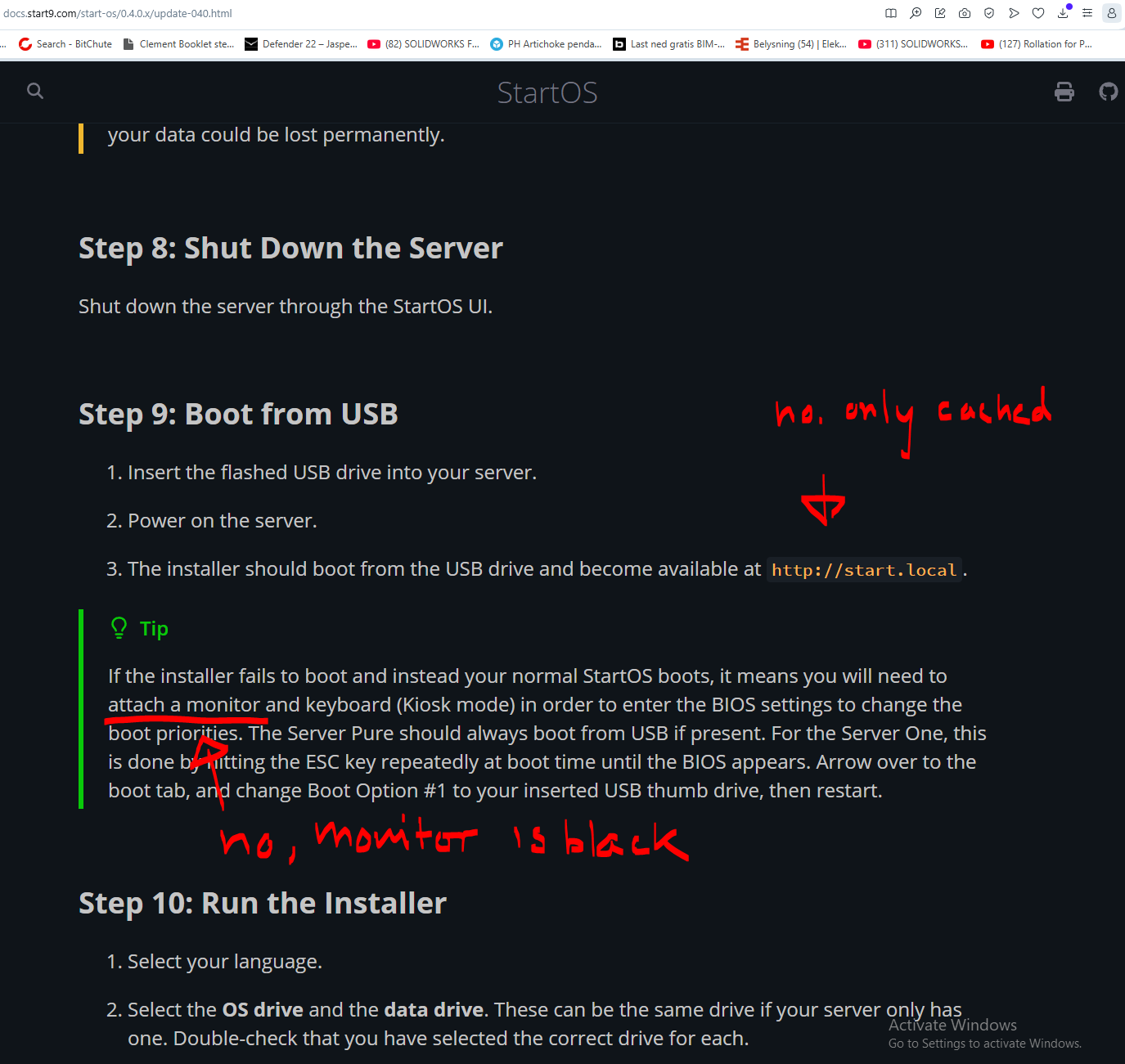
But then there is this: If I power off the Start9 and insert the flashed USB (a 128GB stick) and power it up again, I only see the cached interface of the Start9 server with the yellow connecting message at the bottom on my Windows computer.
If I connect my monitor, I can only connect to the Start9 server if there is no USB stick in it (I had to turn the server off, remove the USB stick and turn the server on again with the power button in order to connect through the monitor).
So I can´t really do the steps as adviced (see enclosed image), because either I see a cached interface or the monitor is black (as pointed out in the screenshot)
My server is still 0.3.5-1 and all i started all programs, they are running again. So the USB stick didn´t cause anything to happen with the server (I am kinda glad it didn´t)
Will there ever be another way to do this? Like an update within the Start9 as with the other services? I would feel much safer if there were, because things are not going as expected so far.
I might try again if I knew how to proceed with steps 8 and 9..
I tried once more. But as soon as I power up the server with the USB in one of the USB 3.0 ports, the local is cached and if I connect the monitor directly to the server, the monitor receives no signal. What causes this, I wonder?
I don’t know what you mean by the local is cached.
The guide asks you to flash the USB thumb drive with Balena Etcher so that it becomes bootable. You power down your server, the plug in the USB, then you power it back up.
On a separate computer you go to http://start.local/ – how can this be cached? Cached from what? a recent install? If you’re seeing anything other than the installer you’d need to refresh your browser tab:
Ctrl + Shift + R (Win/Lin) Cmd + Shift + R (Mac)
Once you see the installer, you’d proceed through the steps in the guide.
There will be, but this only involves skipping the creation and booting of the USB drive, everything else is the same. Leaning how to install StartOS is something I’d say is pretty fundamental, the number one thing you’d need to know how to do in an emergency.
What I mean by cached is that I don´t have a connection to the server. The field which is green when connected at the bottom of the interface is yellow and it says “Connecting”… But it doesn´t connect. So if I am not connected, what am I looking at?
Insert the flashed USB drive into your server. → DONE
Power on the server. → DONE
The installer should boot from the USB drive and become available at http://start.local.
I cannot tell if the installer boots from the USB, because the connected monitor isn´t receiving a signal from the server when a flashed USB is inserted, nor does the http://start.local
You can tell by looking on your router to see if the server is connected and if it has an IP address. Or you can visit http://start.local in a browser on the same network. Please disconnect the monitor if the monitor is not working.
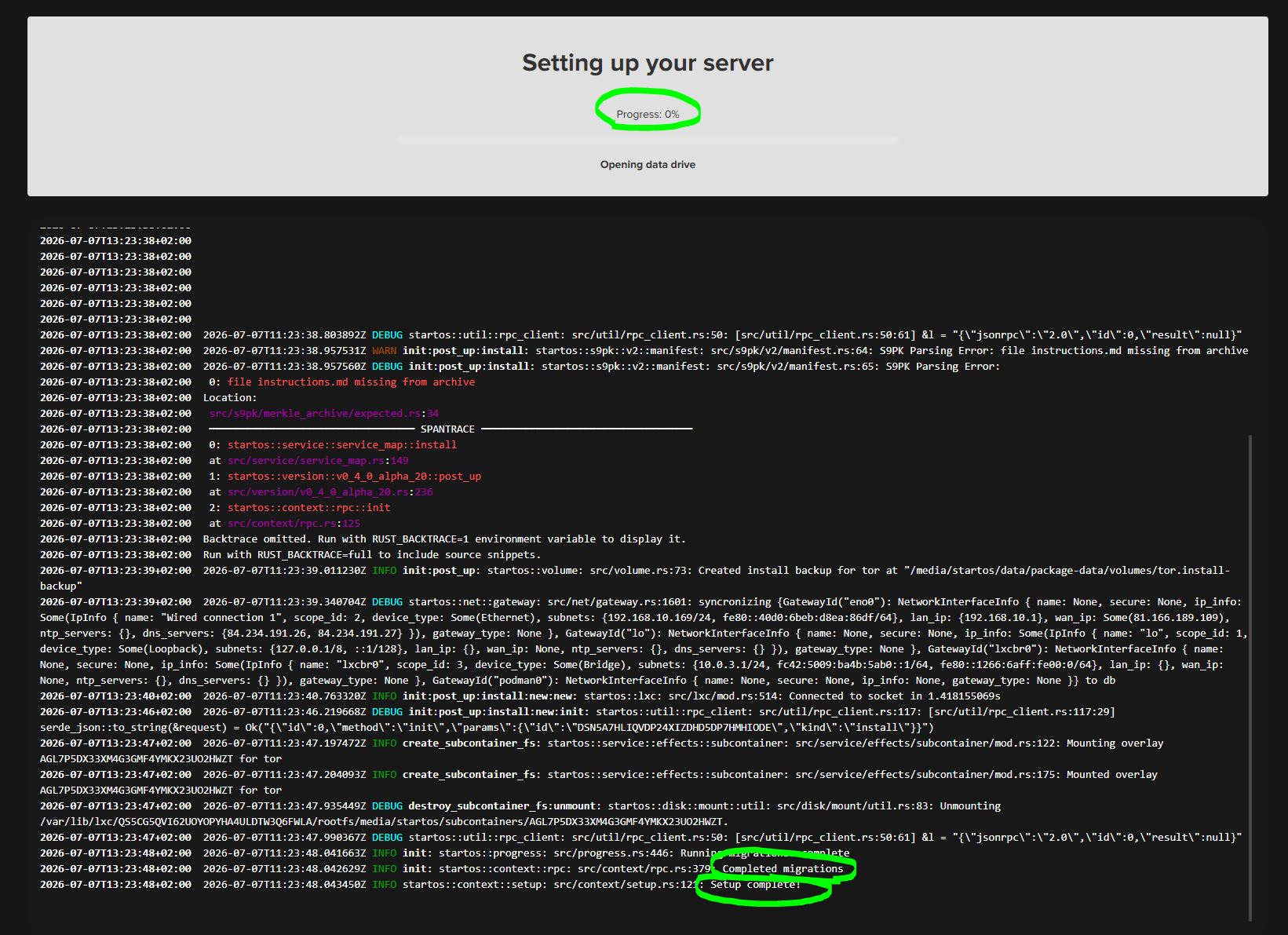
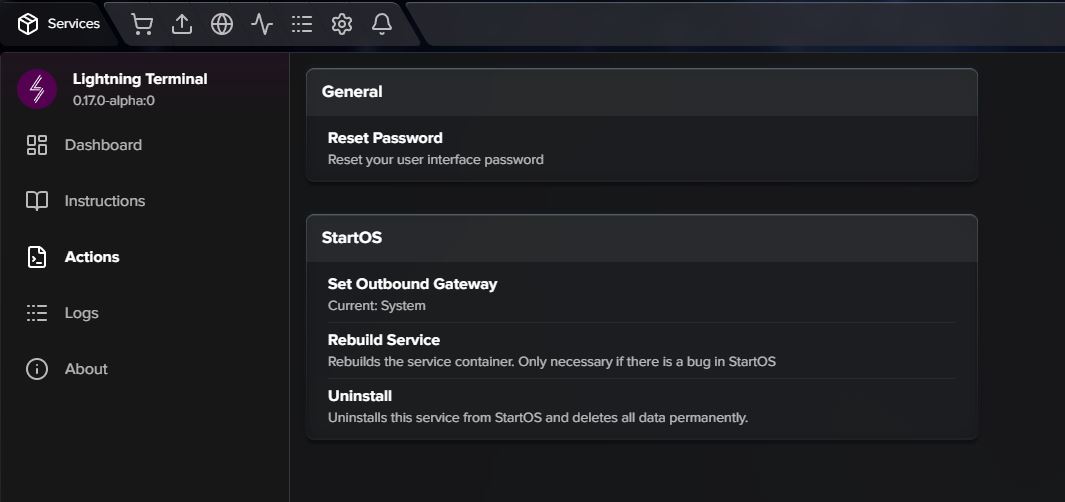
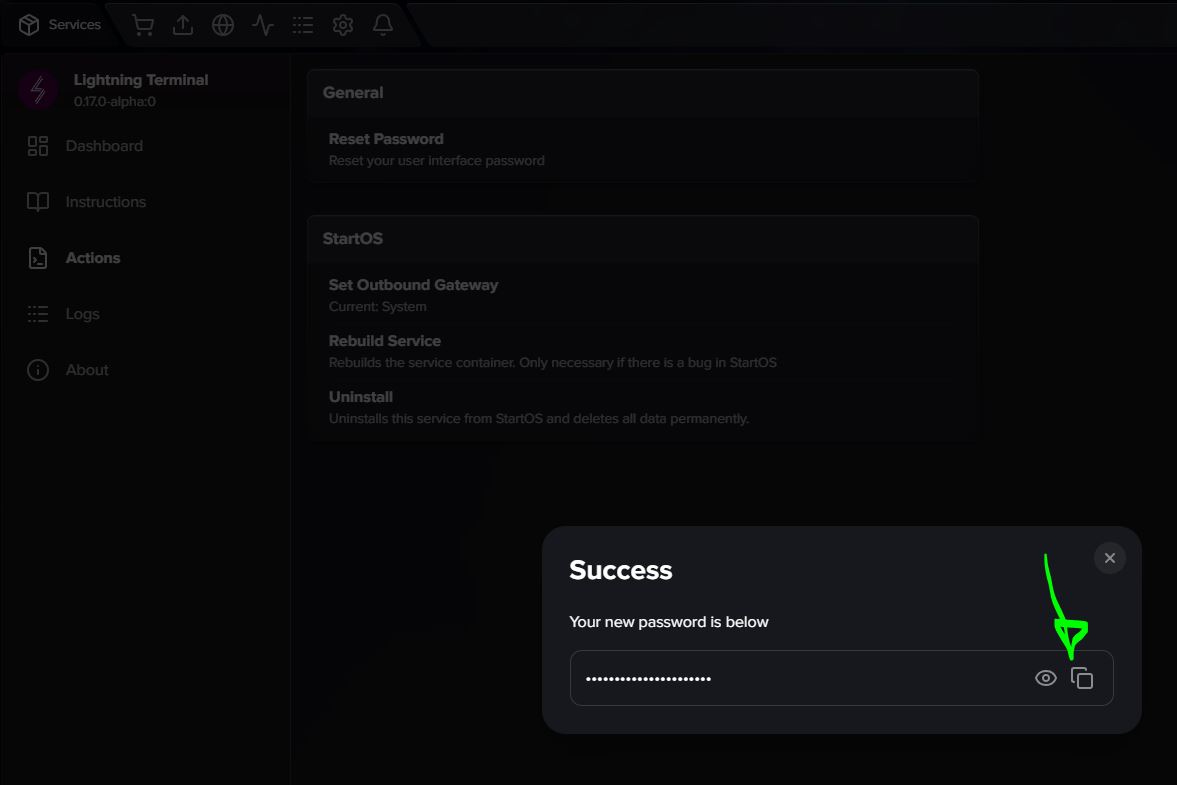
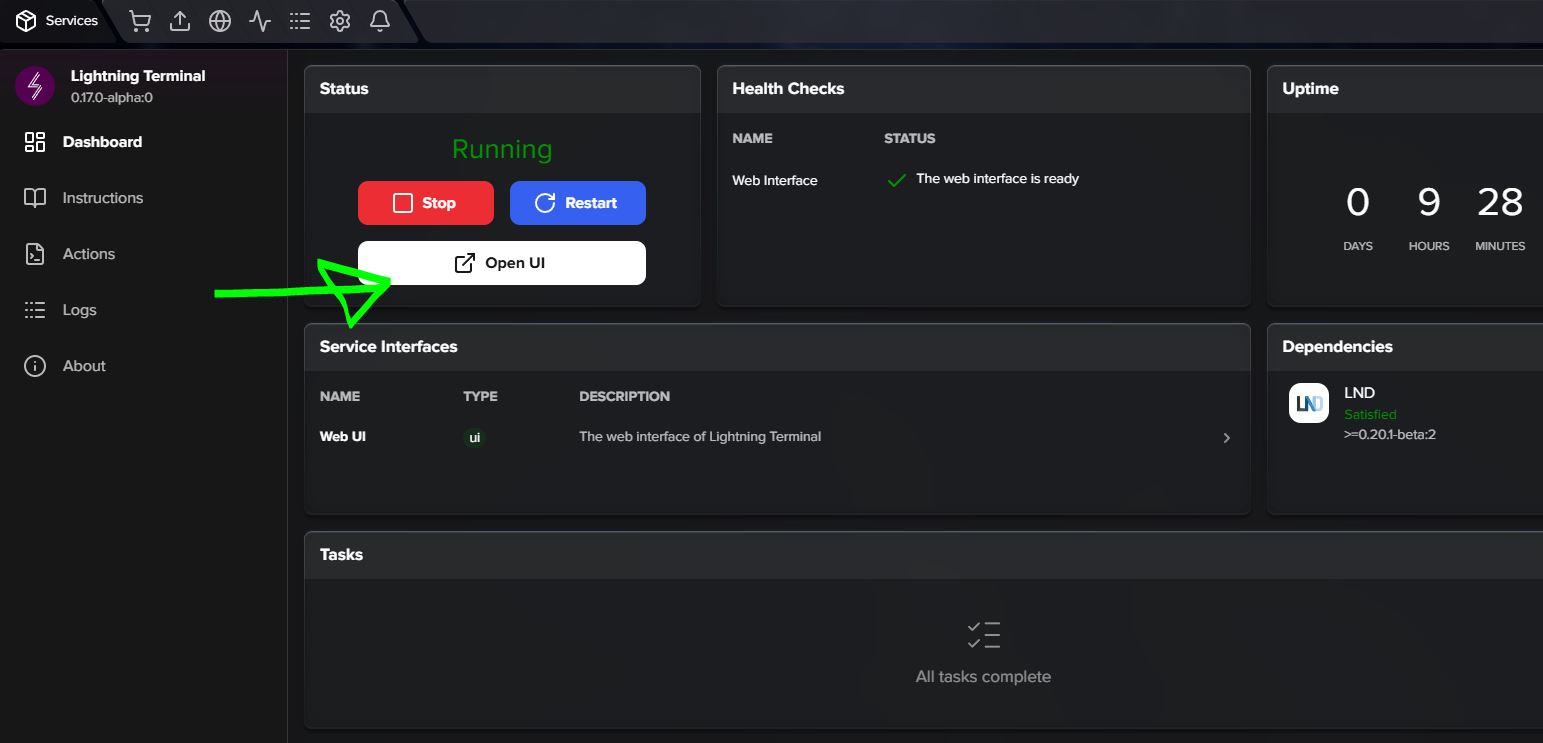
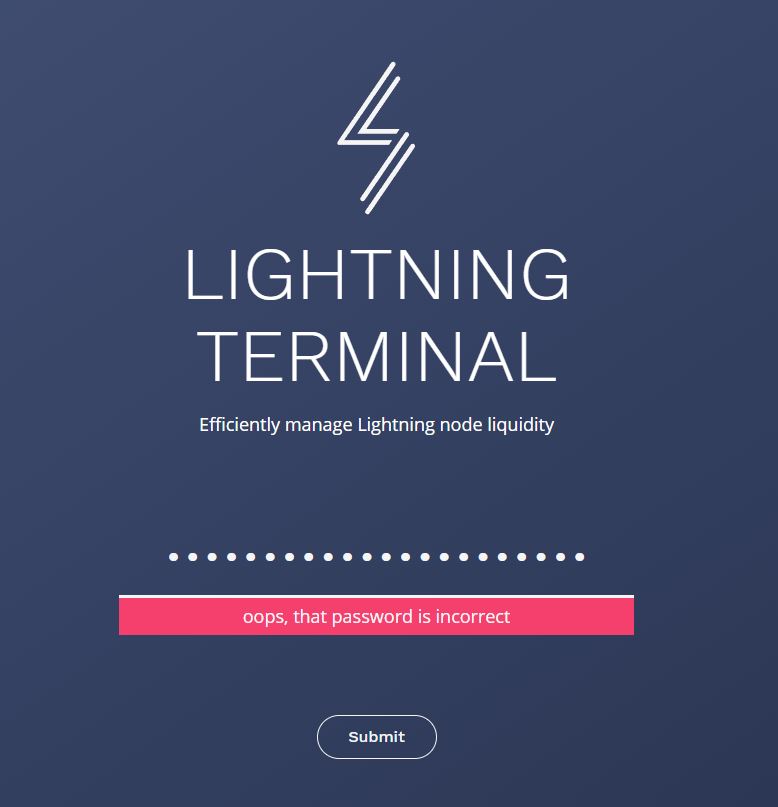
Refresh page was the solution. Everything seems good so far, except Lightning Terminal. Password reset doesn´t work. Is there a solution to that? Maybe uninstall and reinstall?
I was able to resolve it with an uninstall- reinstall. Thank you, all seems fine now. The new OS interface is beautiful. And all those apps.. wow! Looking forward to exploring this.