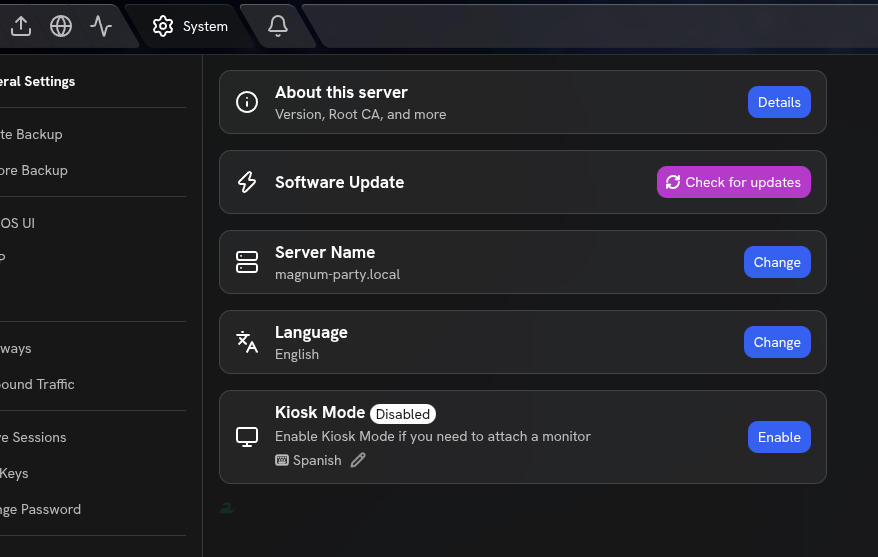
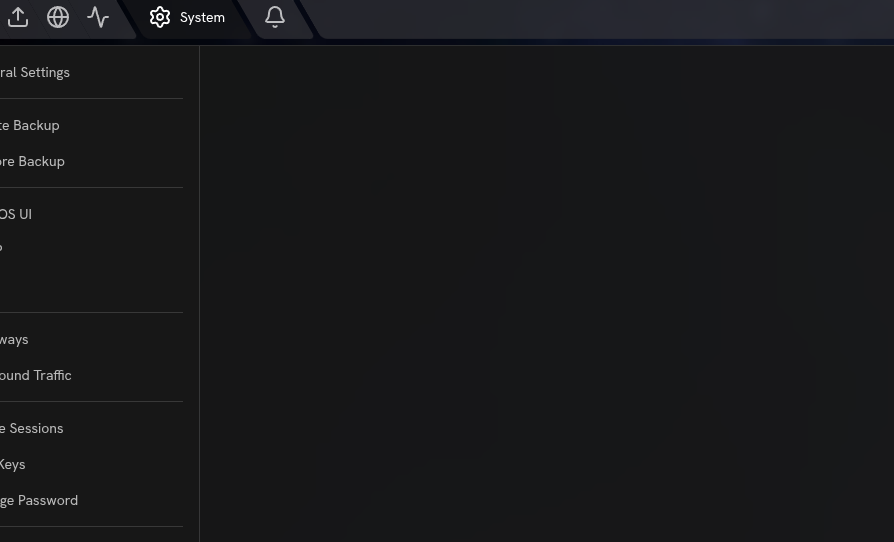
I found a UI bug in the StartOS interface itself. The bug really doesn’t matter much, but it’s a bug, so here’s how to replicate it:
First you click on the Start9 logo in the upper right, then click on “System Settings”, you are shown the list with 5 options, now you click on the Start9 logo again then “System Settings” and… boom, the options have disappeared, now you have to leave the configuration and re-enter to get the options shown again.
I don’t have a github account to post it out there so I’m telling it around here.
You’re welcome, in fact, I found that bug in version 0.4.0.0, but it seemed unimportant to me.
By the way, the issue you posted on GitHub got closed as a duplicate, but I think that was a mistake, because the earlier issue isn’t the same one, it’s just similar.