It has been a few days that I can’t connect to the server over tor, maybe it was after the last updates can’t remeber exactly. I try regenrating a new tor address for the server UI but it did not work either. I am runnning version 0.4.0.1
I tried “sudo systemctl restart tor” and also restarted the tor app, both did not work. Other services like btcexplorer and electrs works over tor.
here are some logs:
$ systemctl status tor
● tor.service - Anonymizing overlay network for TCP (multi-instance-master)
     Loaded: loaded (/usr/lib/systemd/system/tor.service; disabled; preset: enabled)
     Active: active (exited) since Thu 2026-08-06 14:09:53 UTC; 23min ago
 Invocation: 48dc37ce65374e169a9a02212832b56d
    Process: 212790 ExecStart=/bin/true (code=exited, status=0/SUCCESS)
   Main PID: 212790 (code=exited, status=0/SUCCESS)
   Mem peak: 1.7M
        CPU: 10ms
Is this a fresh installation of 0.4.0.1, or was this a 0.3.5.1 server previously?
I installed it around 2 months ago, and it was 0.4.something
And did you setup the tor service at that time?
yes I did, should I uninstall e reinstall tor app?
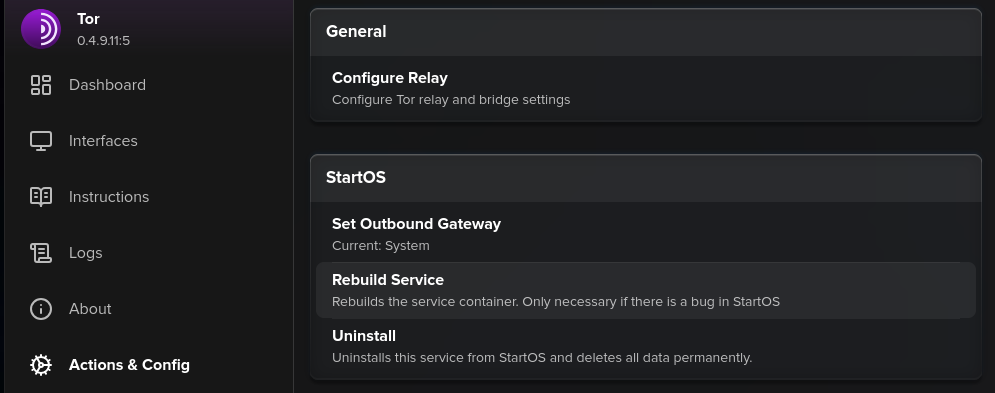
Not yet. Please make sure the .onion interface is setup under System>StarOS UI.
It is, I also tried making a new onion adress there, but same issue.
Restart the Tor service. Monitor the Tor logs, to see if it reaches “Bootstrapped 100%.”
already did it a few times, it reaches Bootstrapped 100% as I can access many services over tor, but not the UI interface. I can try it again.
Please tell me more about what “did not work” means. For the purpose of troubleshooting, please use Tor Browser.
Let me know what message you see, when you attempt to direct Tor Browser to the .onion address you can find under System>StartOS UI>Tor.
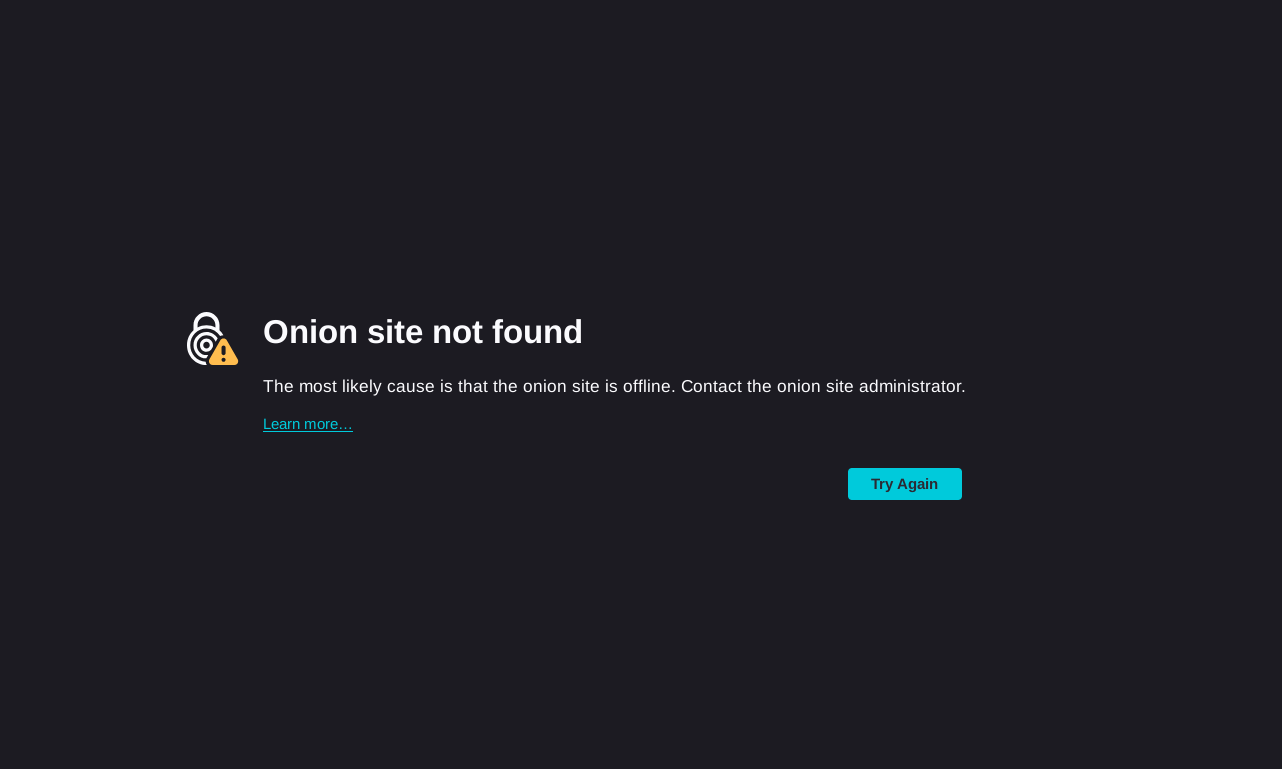
Great. I just wanted to eliminate possible client side tor config issues. I have no other answers for you today, but I’ll pass this along. If you uninstall the Tor service, you may lose the current .onion interfaces for your services. I believe you’ll have to add .onion interfaces for each of them again, so your current ones will be invalidated. If this doesn’t matter, you can try it. But I’m not confident this will solve the dashboard’s onion binding. I think that’s as OS thing.
It’s hard to say what the problem is without examining everything you’re doing, from confirming the Tor logs, to you sharing the private .onion (that you shouldn’t share) etc. When an issue like this affects one user and not all the other users, we end up poking around hoping to find clues to whatever it is that’s affecting just you.
Can you access other .onions from that Tor Browser?
Can you access the Tor UIs of individual services?
Hi everyone! Im having the same issue. I updated to 0.4.1 and added a Tor address to the start9 UI and cant connect using Tor browser. The onion addresses created for the apps work fine. Is there something Im missing? Thanks in advance!
1 Like
where did I share my private .onion? can’t find it here…
Yes I can normally access other onions from my tor browser, including all other services from my start9 server.
1 Like
Same here- all services except start9 UI
that’s an unaceptable bug for me. Luckly I was not away from this LAN and can access the server. But I will stop using start9 for now, there should be a solution for that in hours not days(maybe it will take months).
I have been self-hosting for years and always use bare-metal installing debian myself and doing all by hand, after many talking about start9 on nostr I decided to give it a try. Now I know how it (sometimes) works and will stop using it and not recomending it to anyone I know. Specially after the last days, better to stay away with those easy solutions that promise a lot and deliver disaster.
Didn’t say you did, I’m saying that I wish I could test it.
Trying to reproduce myself, you might be onto something. If it add a new TOR interface with SSL then try to reach it with https:// it works. With http:// it doesn’t.