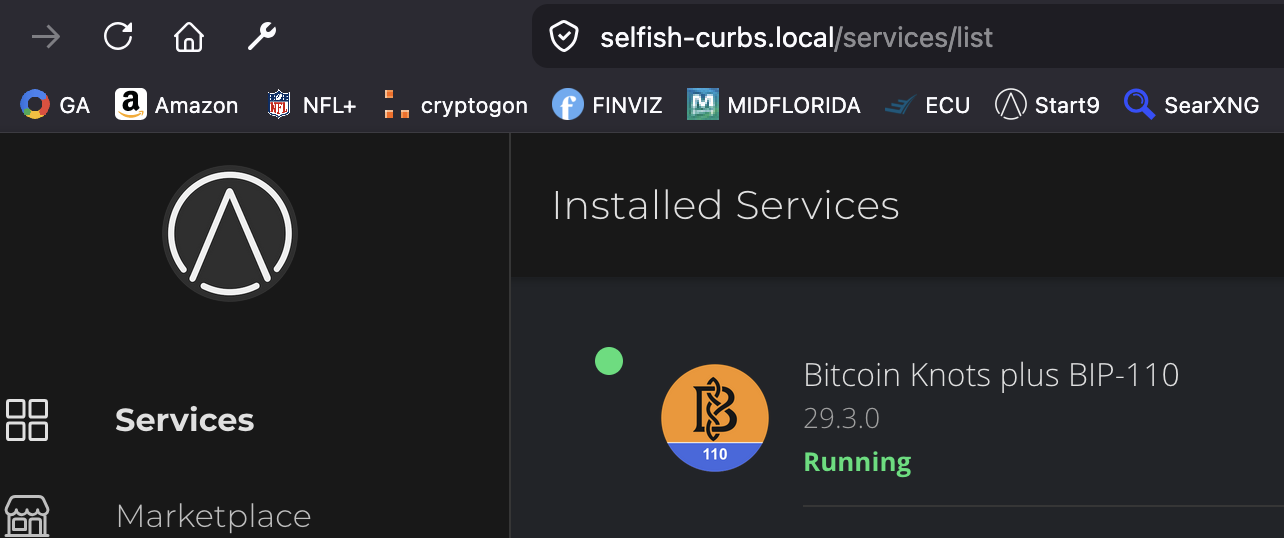
I can connect to the server but all the services are “unknown” and the yellow “connecting” message never stops. See screenshot. I tried rebooting the device (2025 Start One), my browser (Firefox) and computer (iMac). Nothing changes.
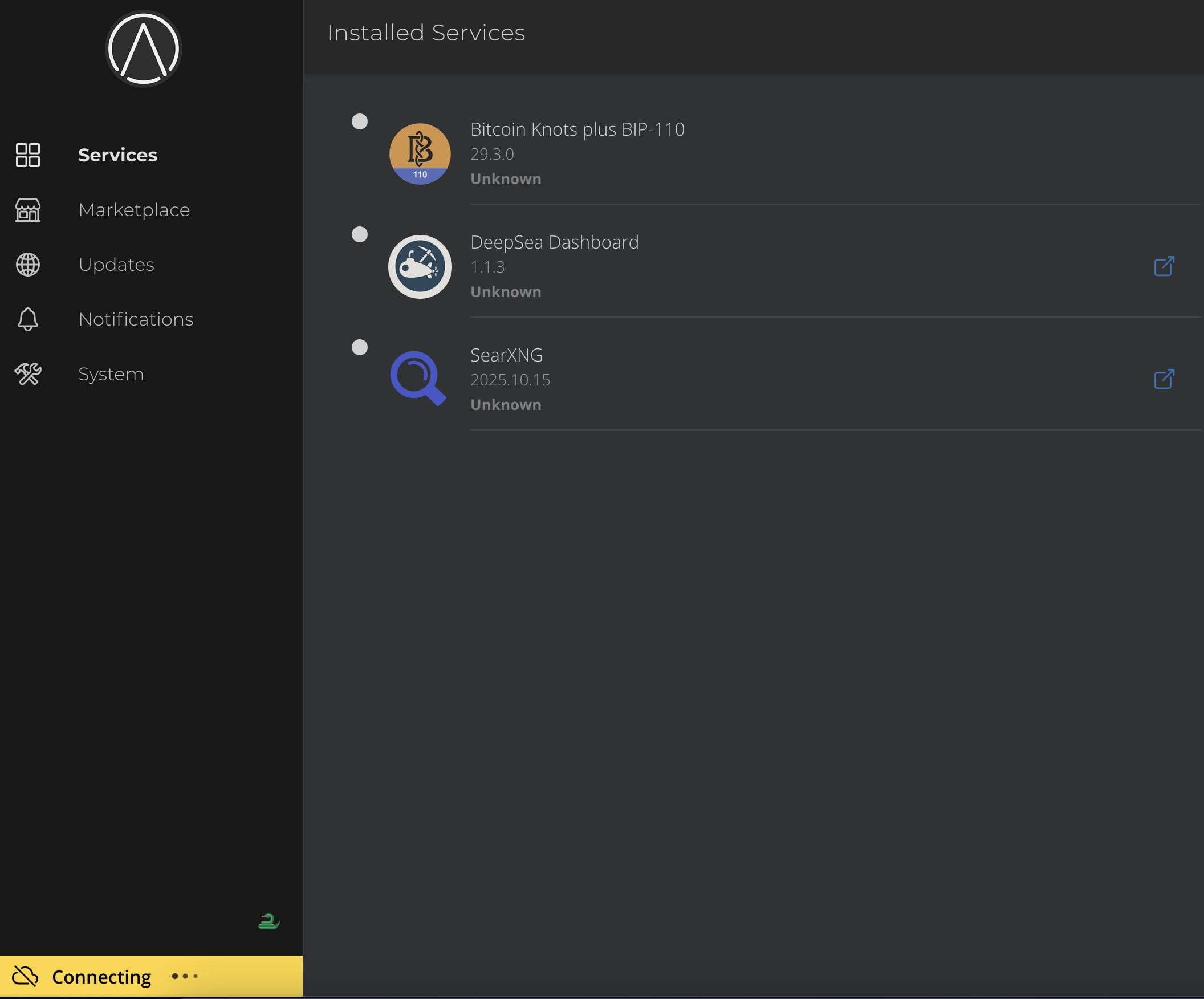
This message means your browser has not connected to your server. What your seeing is loaded from cache. If the issue is common browser cache corruption, a hard refresh will resolve it.
command+shift+r
If not, you’ll get an error that the page cannot be reached, in which case we can troubleshoot further.
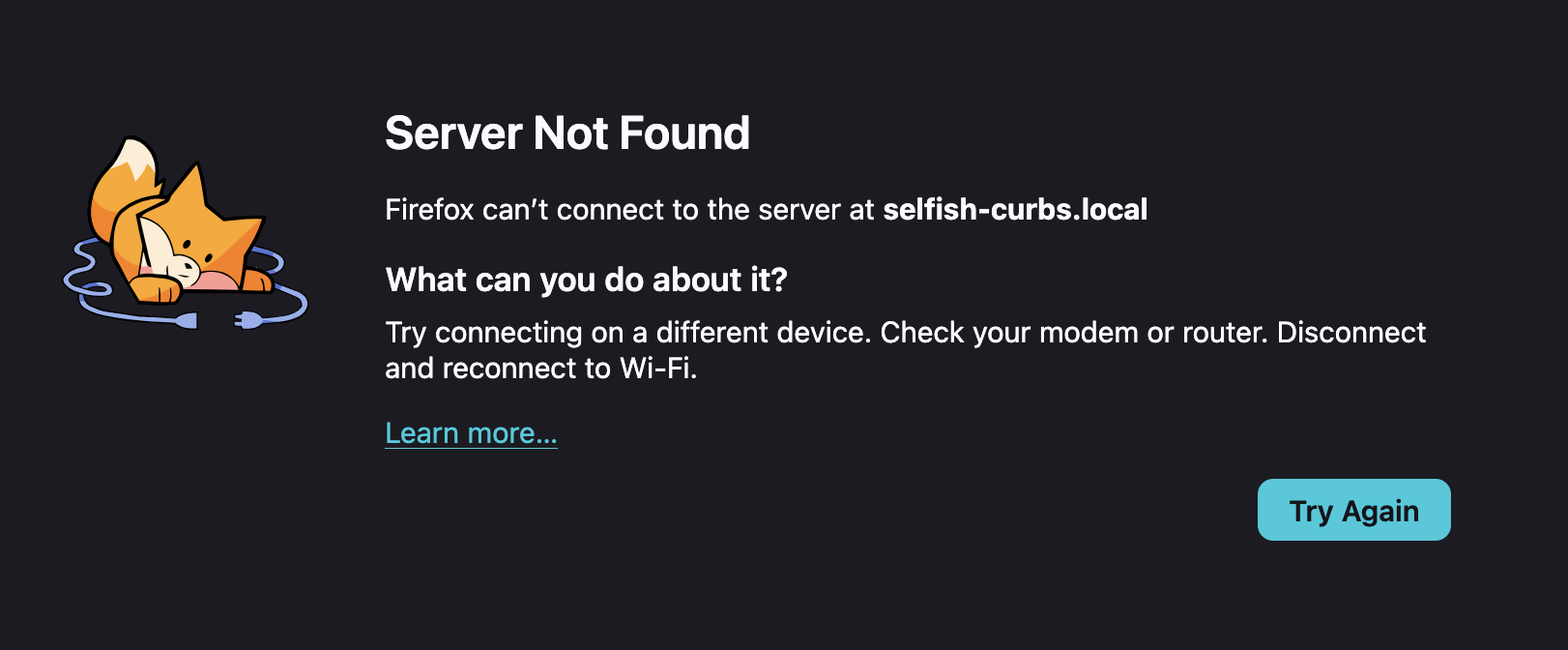
That means your server is actually unavailable on the network your iMac is on. Check network connections, then make sure the iMac is connected to the correct wifi. (not a guest network)
Try using the tor browser to connect to your server’s .onion address.
Can’t connect via Tor. All connections are via ethernet on the same router.
Local address for iMac is 10.0.0.14
The Start 9 server is 10.0.0.213
the machine is plugged in to power and ethernet lights up.
How do you know this?
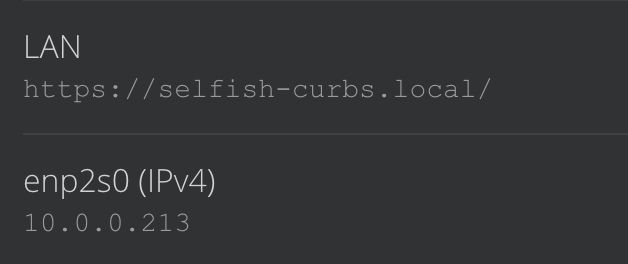
Since you can’t reach that IP, I’m going to assume that it’s no longer the current IP. Perhaps check your router for the new one, or connect a monitor to the server and see what is being output.
These are the devices recoginized on the network. How can I determine which one is the Start9? Or is the Start9 dead?
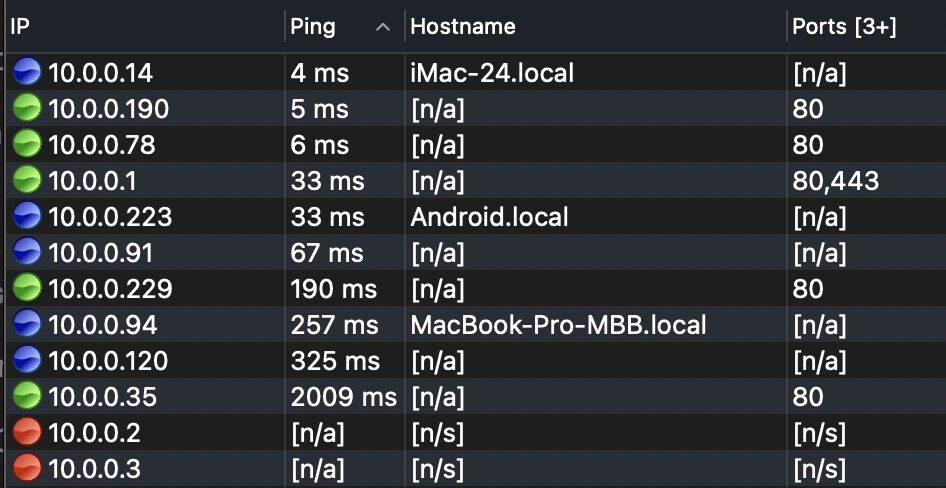
The hostname would show as “selfish-curbs”. If it was in diag mode, I the hostname would be “start”. The fact you’re seeing none of those means your server is not on that network. It’s either not booting at all, it’s physically disconnected, or it’s on another logical network. As Stuart suggested above, it’s probably time to boot your server with a monitor connected, to find out more about what’s going on.
I’m not understanding how you pulled the page with the name, and IP if you can’t connect to your server. There’s a piece of information missing in this puzzle.
Since you have server you bought from Start9, you may find it more efficient to come see us for live support, that continuing here.
I can’t find the access code to login.
I connect the Start9 to a monitor and nothing comes up. The start9 blue light is on and the unit is quite warm.
Maybe I just ship it back to you? I bought it in December
@StuPleb can help you with an RMA if needed. But let’s be thorough, in our troubleshooting first.
Disconnect the power for at least 30 seconds. Connect a monitor, and make sure the monitor is set to the correct input, or is set to Auto. Make sure the monitor is on. Connect the power to the Server One, and press the power button. pay attention to the light on the monitor, and if anything displays on the screen.
OKay! I get to the setup screen. It’s asking for a password to get into the server. No idea what that is.
You’ll need to connect a mouse & keyboard.
It’s the same password you normally use to get into your server from the other machine’s browser.
Got it and got in. Thank you!
Click on system>about
Find the IP address. Is it the same as what you though?
And I see the new IP address and have connected. Case closed. Thank you
Ha, not so fast…
The question remains, why can’t you connect to the .local address. The probable answer is your browser’s permission to access the local network has been turned off in the system settings. This can occur as a result of an update.
Also, this would not prevent you from connecting over Tor, so something entirely separate going on there.
1 Like
Excellent!!! Glad it is working.