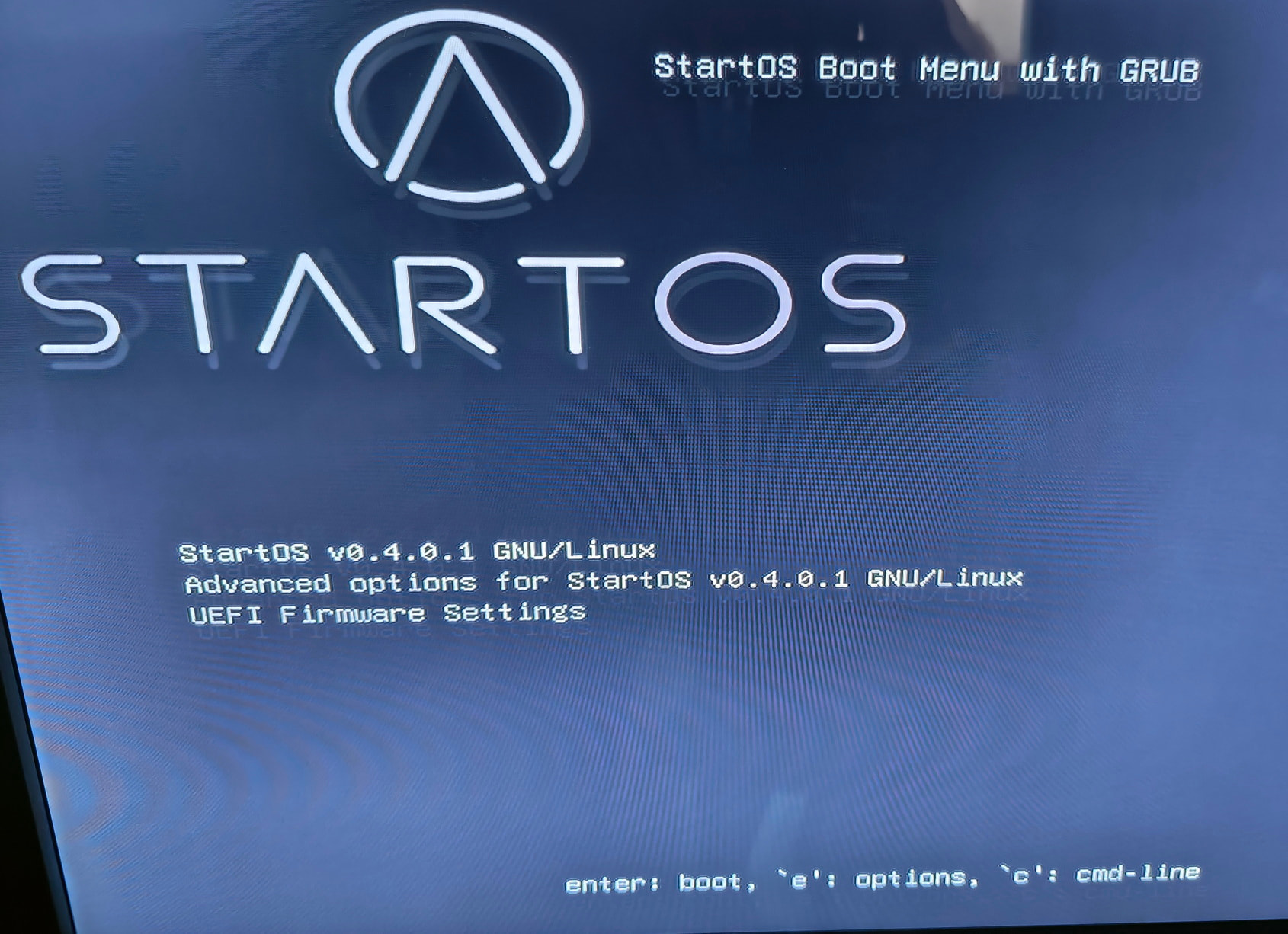
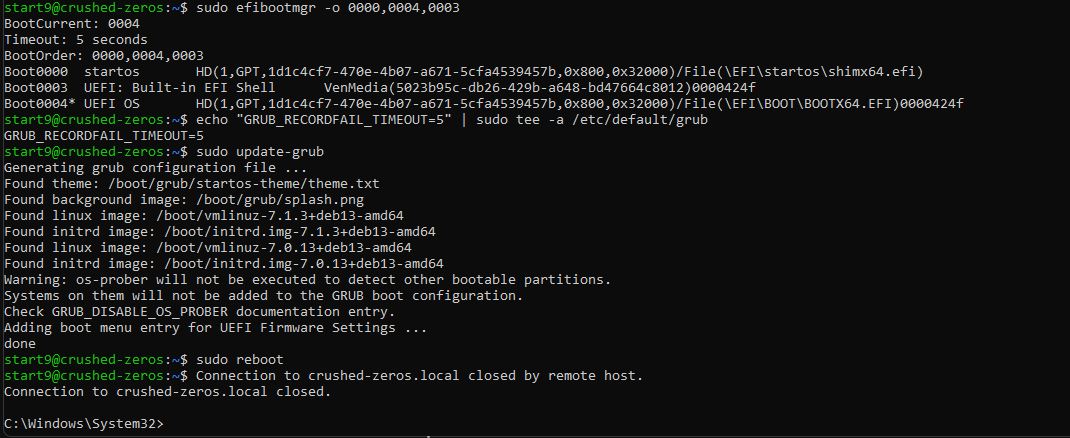
I upgraded from 3.5.1 to 0.4.0 on my miniPC with nvme drive, now stuck on boot menu every time I reboot, have to plug keyboard and press enter to fully boot the StartOS server. (see screenshot)
But on 3.5.1 version I had to use this trick to be able to boot at all as regular install didn’t work.
almost the same problem so i would like to post my issue in this thread.
DIY PC i7 7700 with 8GB ddr4 and 2TB sata SSD.
I checked releases on Start9 github and saw yesterday that 0.4.0.1 is out like 5 mins ago. tried alpha few months ago. so i decided to do OTA, even i like to fully wipe disc with PartedMagic and do a fresh install.
i stopped all services. uninstalled every single one of them except Knots20260508 29.3.1:1.
i saw there was update for 29.3.1:17 or smth like that before OTA. cant remember correctly.
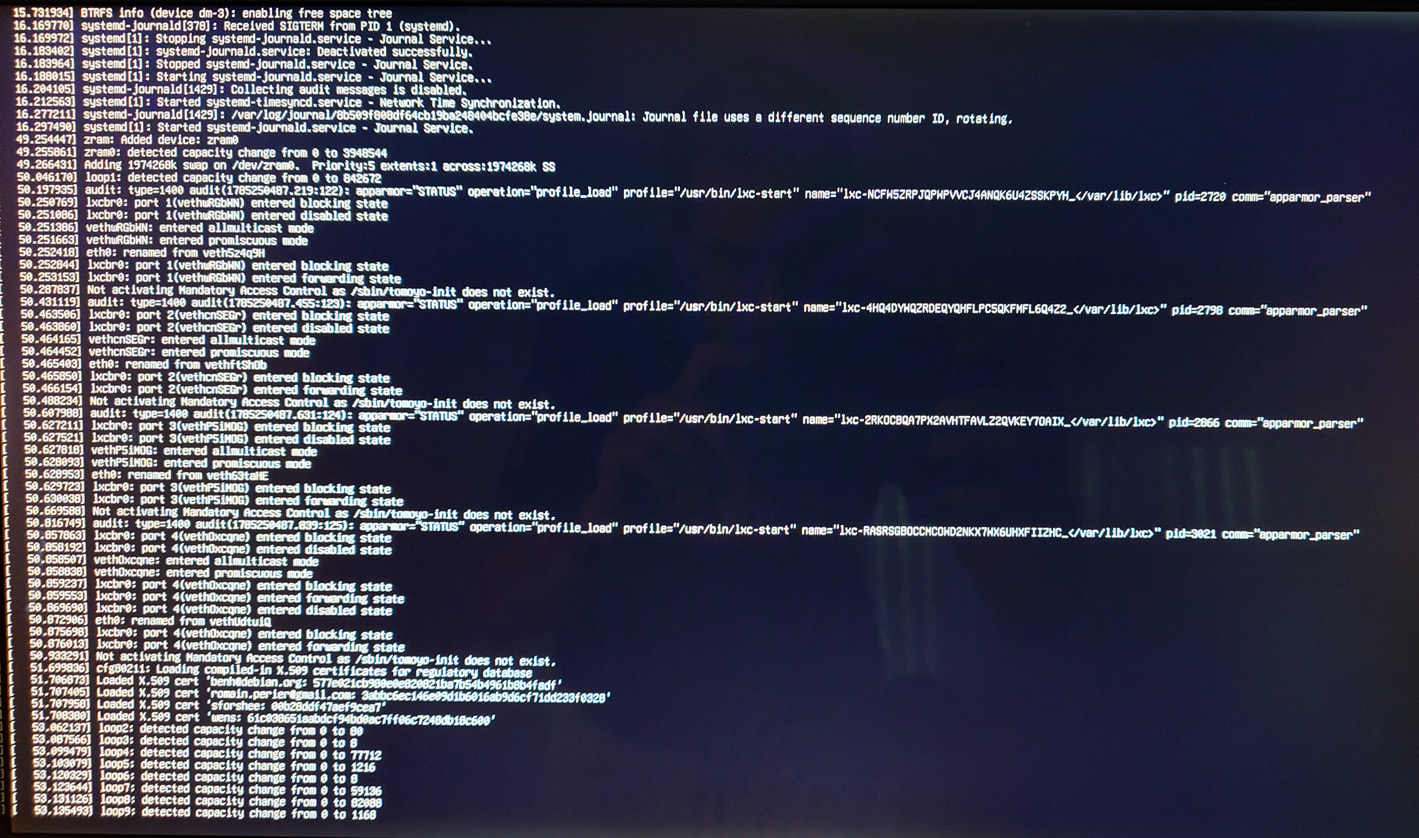
didnt update that and did OTA. went trough in like 5minutes. booted into GUI. checked around system a bit, installed Datum and Fulcrum. i’ve seen warning notification about time sync. that time is off a little bit. decided to restart just to see if its gonna fix by itself. after that boot process is stuck at → screenshot
cannot SSH, and i think im gonna just do my thing by wiping complete disc and fresh install. dont want to wait for response, just providing feedback.
Grok gave some tips why it happened and i’ll try with bootable USB to reinstall while keeping all data, and if that doesnt work, fresh install it is!
______
tried some stuff that Grok recommended, didnt work. installed from USB, everything is fine..
None of this should be needed, I’m not even fully comprehending your first post, that isn’t the behavior it should demonstrate. Quite likely anything Grok told you to do broke something new and might mean you’d need to wipe the drive and reinstall.
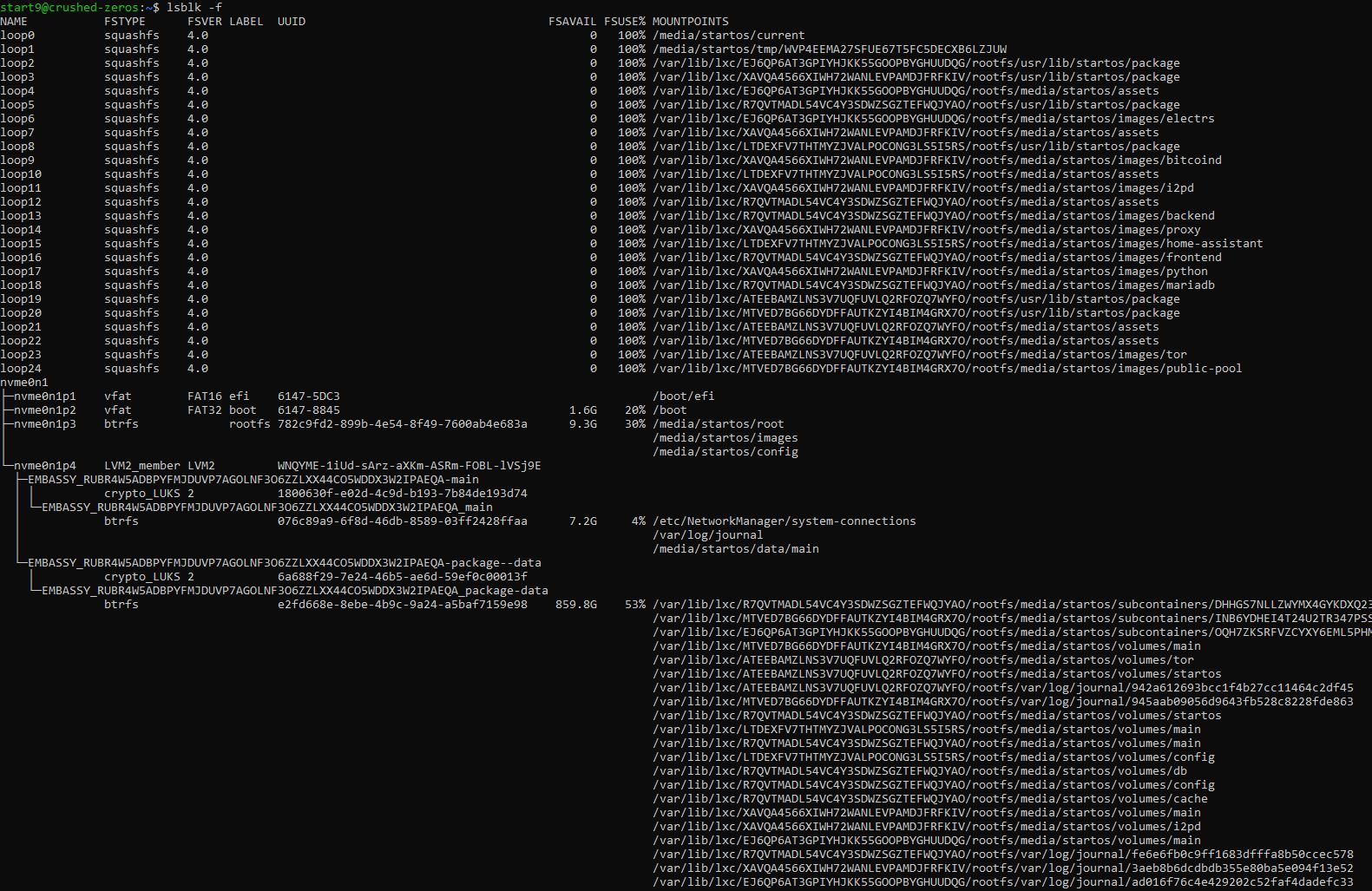
I can’t really see the screenshots properly (screenshots of CLI output is the absolute worse way to present it.)
I’d flash the OS again, if you can, completely remove whatever GRUB/partition/boot setup you have and start fresh.
The 3.5.1 version worked fine. No boot menu screen, went directly to the OS. Only after upgrade to 0.4.0 got the problem. Did not see the boot drive again and had to do the trick as described. Now it boots, but does not go further then the boot menu, have to press enter to continue the full boot.
I wanted to avoid to install all from scrach as I would have to download the whole 1TB of BTC data.
Or is there a way to save the whole database and then copy if back?
I’m not convinced that you have a different version of StartOS 040 from everyone else, so the factor at play here is your individual machine rather than a StartOS 040 bug. There might well be a bug rare enough that you’re the only one to have found it, but I don’t really now how to go about testing.
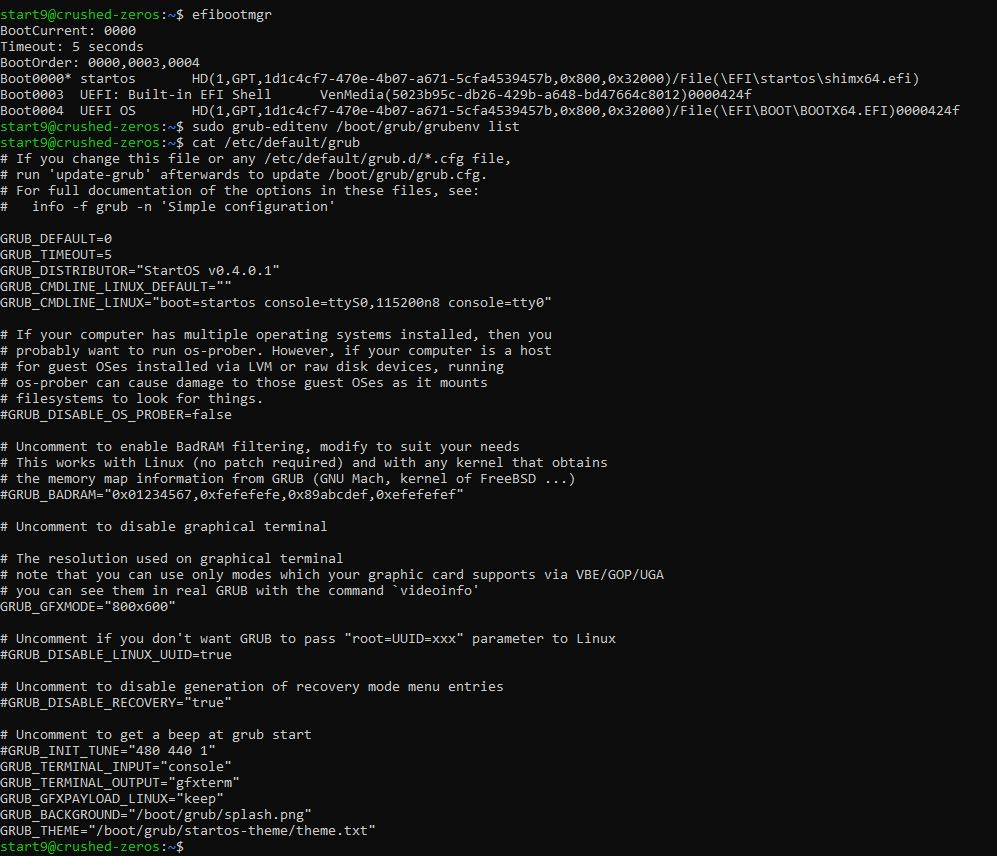
In your initial screenshot grub-editenv /boot/grub/grubenv list
looks good.
/etc/default/grub has GRUB_TIMEOUT=5
looks good.
That rules out everything that I’m aware of personally. My view is that when you’re at the end of the road and you don’t know why something doesn’t work, you nuke it and start over.
So I tried as @StuPleb suggested, but instead of nuking my original drive, I just swapped it with fresh new one. The result is the same. I installed the version 0.4.0 from bootable USB, but when rebooted, no boot sector was seen by the Bios as was this same problem with previous versions like 3.5.1 and had to make the changes as described above, so the Bios see the boot sector. But version 0.4.0 does not want to fully finish the boot after every restart and is stuck on boot menu of the StartOS where is asking to press ENTER to continue.
So the problem from previous versions for DIY PCs still persist and even the new 0.4.0 version is unable to see the boot unless changes (copied files) are made. I would not mine to do them, but this new version is stuck on the menu after restart.
I would really appreciate if anyone involved in this new version would help to resolve this problem, so no more boot editing is necessary or maybe better to help old machines to not stuck in boot menu.
What is the ask here? I understand there is something wrong with your computer, and you say that it was always the same with this computer even with StartOS v0351?
the problem from previous versions for DIY PCs still persist
I’m not sure what this means precisely, a suspected bug in StartOS that affects all DIY PCs? I’m running StartOS v040 on 2 DIY PCs currently, and v0351 on 1 DIY PC.